
Game pieces: the Things in your game
A basket, a ball, a brick, a hopping bird. Every game is made of pieces. In the arcade each one is a Thing: a piece that remembers where it is and can draw itself.
The big idea
A Thing is a game piece. It keeps its own x, y, size, and color, and it has built-in actions like .draw() and .move().
See it in code
One line makes a Thing. Its keywords say where it starts, how big it is, and its color. After that, basket.draw() paints it:
basket = Thing(x=320, y=420, width=100, height=24, color="teal")

def play():
    pass

def draw():
    paper("misty rose")
    rect(x=320, y=455, width=640, height=50, color="burlywood")
    basket.draw()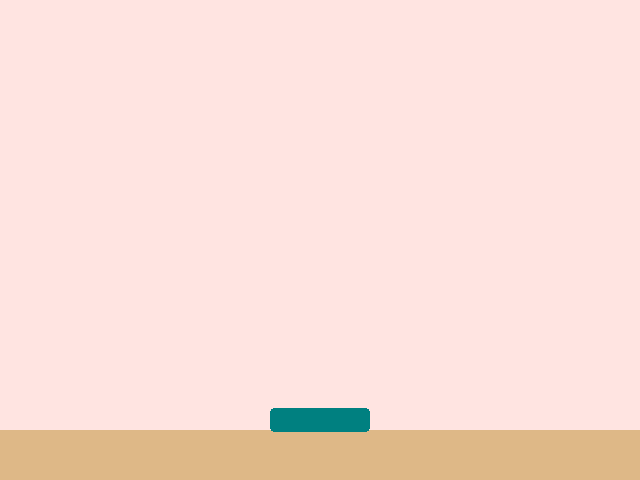
pass means "do nothing." This game has no rules yet. Programmers call a game piece like this a sprite.
A Thing can be a box, a circle, or an oval. Each one keeps its own numbers, so changing ball.x moves only the ball:
paddle = Thing(x=40, y=240, width=16, height=90, color="white")
ball = Thing(x=120, y=240, size=20, color="white", shape="circle")
blimp = Thing(x=320, y=90, width=140, height=50, color="orange", shape="oval")

def play():
    ball.x = ball.x + 4

def draw():
    paper("navy")
    paddle.draw()
    ball.draw()
    blimp.draw()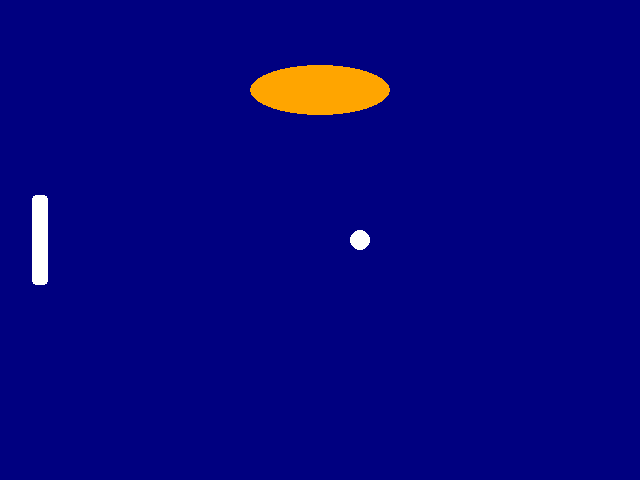
size=20 is a shortcut that sets the width and the height together. The dot in ball.x means "the x that belongs to the ball."
A plain circle is a bit dull for a cupcake. Write a recipe that draws real shapes at the Thing's spot. The Thing still does the remembering:
basket = Thing(x=320, y=420, width=100, height=24, color="teal")
cupcake = Thing(x=250, y=-20, size=40, color="orchid", shape="circle")
wrapper_drop = 13
cherry_lift = 19

def draw_cupcake():
    box(x=cupcake.x, y=cupcake.y + wrapper_drop, width=34, height=22, color="peru", corner=4)
    circle(x=cupcake.x, y=cupcake.y, size=40, color=cupcake.color)
    circle(x=cupcake.x, y=cupcake.y - cherry_lift, size=12, color="red")

def play():
    cupcake.y = cupcake.y + 3

def draw():
    paper("misty rose")
    rect(x=320, y=455, width=640, height=50, color="burlywood")
    draw_cupcake()
    basket.draw()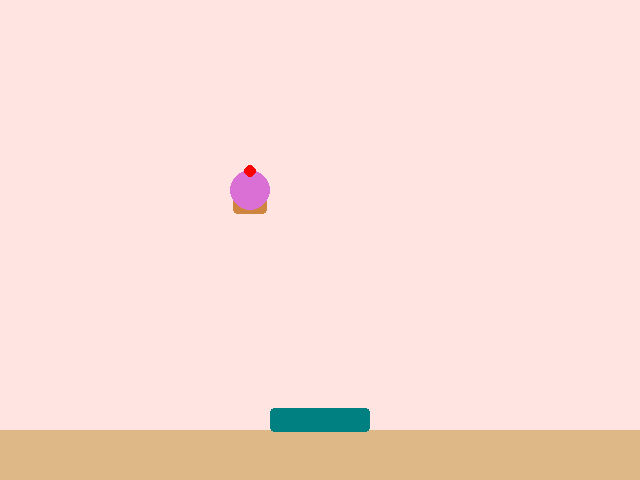
Every shape in the recipe is measured from cupcake.x and cupcake.y. When the Thing falls, the wrapper, frosting, and cherry all fall with it.
Any game piece works this way, whatever it looks like. A brick, a rock, a laser, and a snake's body are all Things with a spot, a size, and a way to be drawn.
Try it yourself
Change color="orchid" in the cupcake's Thing to "hot pink" and run it. The frosting changes, because the recipe reads cupcake.color. Then add a second cherry.
The common mistake
Forgetting to draw a piece. Making a Thing doesn't put it on screen. If a piece is missing, check that draw() calls its .draw() or its drawing recipe.
What it unlocks
Pieces come alive when they move, when the player steers them, and when they touch each other.