
The game loop: your game's heartbeat
A painting sits still. A game moves. The secret is a heartbeat: about 60 times every second, your game works out what changed, then paints the whole scene again.
The big idea
A game runs two recipes over and over. play() holds the rules, and draw() paints the scene. Each run of both is one frame.
See it in code
Every game has these two recipes. Here play() adds one to a counter on each frame, and draw() writes the number on the screen:
game.frames = 0

def play():
    game.frames = game.frames + 1

def draw():
    paper("misty rose")
    write(f"Frames: {game.frames}", x=320, y=220, size=64, color="sienna")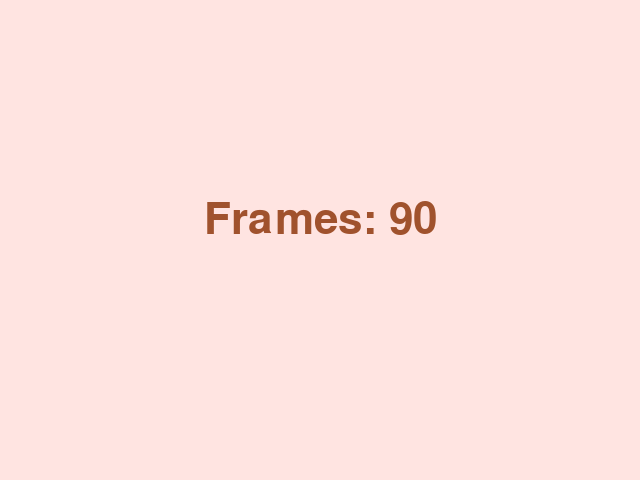
You never call play() or draw() yourself. The game does it for you, about 60 times a second. game.frames is a spot on the scoreboard where a number can live.
Change something a little on every frame and it looks like smooth motion. This cupcake moves 2 steps to the right, 60 times a second:
cupcake = Thing(x=60, y=240, size=50, color="orchid", shape="circle")
speed = 2

def play():
    cupcake.x = cupcake.x + speed

def draw():
    paper("misty rose")
    rect(x=320, y=455, width=640, height=50, color="burlywood")
    cupcake.draw()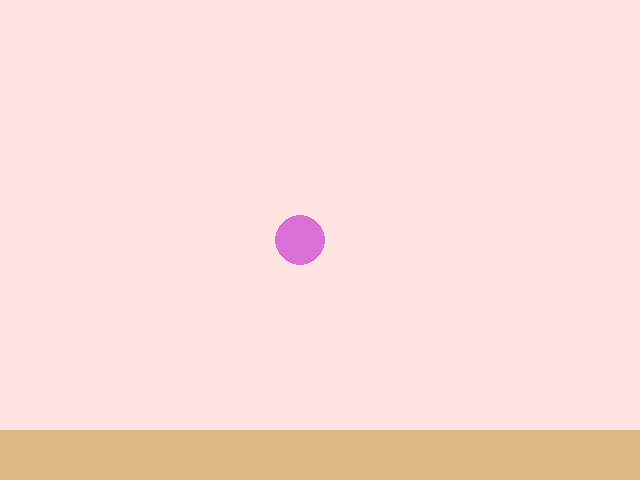
No single frame moves the cupcake far. But 120 small steps add up to 240. That's all animation is: many small changes, shown quickly.
Now add a player. play() checks the keys and moves the basket. draw() paints the background first, then the basket on top:
game.frames = 0
basket = Thing(x=320, y=420, width=100, height=24, color="teal")
basket_speed = 6

def play():
    game.frames = game.frames + 1
    if key_held("left"):
        basket.x = basket.x - basket_speed
    if key_held("right"):
        basket.x = basket.x + basket_speed

def draw():
    paper("misty rose")
    rect(x=320, y=455, width=640, height=50, color="burlywood")
    basket.draw()
    write(f"Frames: {game.frames}", x=320, y=30, color="sienna")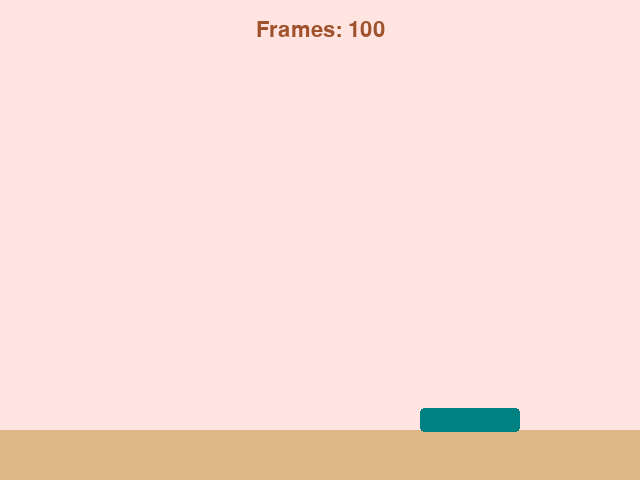
paper() wipes the last frame away before anything else is drawn. Leave it out and the old baskets stay on screen, smearing into a long streak.
Every game you've ever played has this heartbeat. Rules, then picture. Rules, then picture. The games differ only in what the two recipes say.
Try it yourself
Change speed = 2 to speed = 5 in the cupcake game and run it. Then try -2. What does a minus do to the direction?
The common mistake
Putting the background at the end of draw(). Later lines paint on top, so a paper() at the bottom covers your whole game. The background always goes first.
What it unlocks
The things that move each frame are game pieces. How they move is frames and motion, and how the player steers them is keyboard input.