
Touching and collisions: when two pieces meet
Catching, bouncing, crashing, collecting. Almost everything exciting in a game happens when two pieces meet. So your game needs a way to notice.
The big idea
a.touches(b) is True on every frame that two Things overlap. Programmers call this collision detection.
See it in code
touches() asks a yes-or-no question about two Things. Put it in an if and the game reacts the moment they overlap:
basket = Thing(x=320, y=420, width=100, height=24, color="teal")
cupcake = Thing(x=320, y=240, size=40, color="orchid", shape="circle")

def play():
    if not cupcake.touches(basket):
        cupcake.y = cupcake.y + 3

def draw():
    paper("misty rose")
    rect(x=320, y=455, width=640, height=50, color="burlywood")
    basket.draw()
    cupcake.draw()
    if cupcake.touches(basket):
        write("Touching!", x=320, y=60, size=48, color="sienna")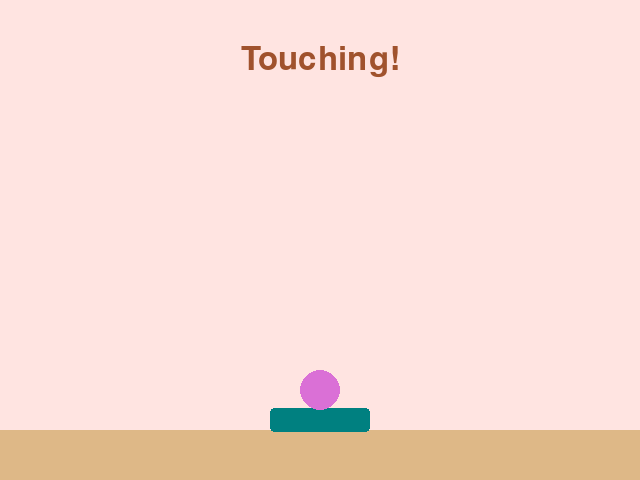
The cupcake fell until touches turned True, then stopped. The check is made fresh on every frame, about 60 times a second.
A touch lasts many frames. Add a point on every one and a single catch scores far too much. So a catch must end the touch, by sending the cupcake back to the top:
basket = Thing(x=320, y=420, width=100, height=24, color="teal")
start_y = -20
cupcake = Thing(x=320, y=start_y, size=40, color="orchid", shape="circle")
game.score = 0

def play():
    cupcake.y = cupcake.y + 5
    if cupcake.touches(basket):
        game.score = game.score + 1
        cupcake.y = start_y

def draw():
    paper("misty rose")
    rect(x=320, y=455, width=640, height=50, color="burlywood")
    basket.draw()
    cupcake.draw()
    write(f"Score: {game.score}", x=320, y=30, color="sienna")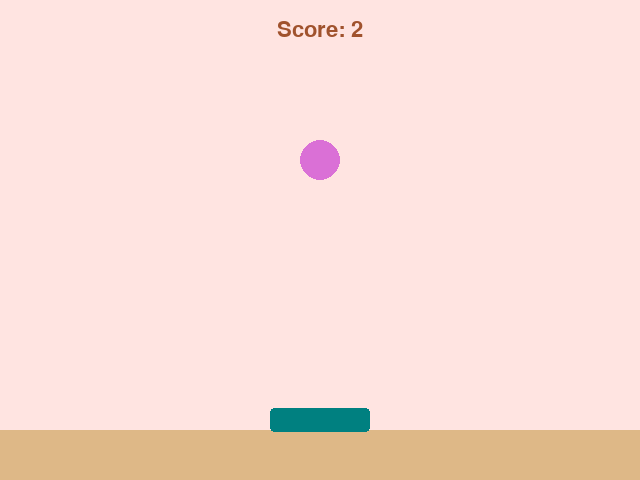
The moment they touch, the cupcake jumps back to start_y. On the next frame they no longer overlap, so the point is added just once.
With a list of pieces, check each one in a loop. When the ball touches a brick, the brick is taken out of the list and the ball bounces back:
bricks = []
for col in range(8):
    bricks.append(Thing(x=50 + col * 77, y=80, width=70, height=22, color="tomato"))
ball = Thing(x=285, y=300, size=16, color="white", shape="circle", dx=0, dy=-6)

def play():
    ball.move()
    for brick in list(bricks):
        if ball.touches(brick):
            bricks.remove(brick)
            ball.dy = -ball.dy
            break

def draw():
    paper("black")
    for brick in bricks:
        brick.draw()
    ball.draw()
    write(f"Bricks left: {len(bricks)}", x=320, y=440, color="white")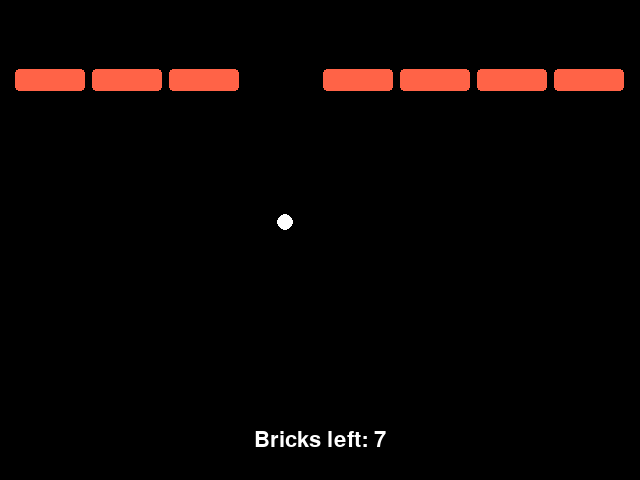
bricks.remove(brick) takes the brick out of the game for good. break stops the loop, so one hit can only ever remove one brick.
Change what touches what and you get a new game. A snake's head touching food. A ball touching a paddle. A hopper touching a pillar.
Try it yourself
In the catch game, take out the line cupcake.y = start_y and run it. Watch the score. Why does one catch now score so many points?
The common mistake
Asking a Thing to touch something that isn't a Thing. ball.touches(bricks) gives it the whole list, and the game says so. Loop over the list and check one brick at a time.
What it unlocks
Touching is a yes-or-no question, so it lives in an if. What happens next is usually score and lives, or a piece leaving a list.