
Keyboard input: let the player take control
A game you can't control is just a cartoon. The moment a key moves something on screen, you're playing. Two small commands make that happen.
The big idea
key_held("left") is True on every frame the key is down. key_pressed("space") is True only on the one frame the key goes down.
See it in code
play() runs every frame. So ask about the key every frame. While it's held, move the basket a little:
basket = Thing(x=320, y=420, width=100, height=24, color="teal")
basket_speed = 6

def play():
    if key_held("right"):
        basket.x = basket.x + basket_speed

def draw():
    paper("misty rose")
    rect(x=320, y=455, width=640, height=50, color="burlywood")
    basket.draw()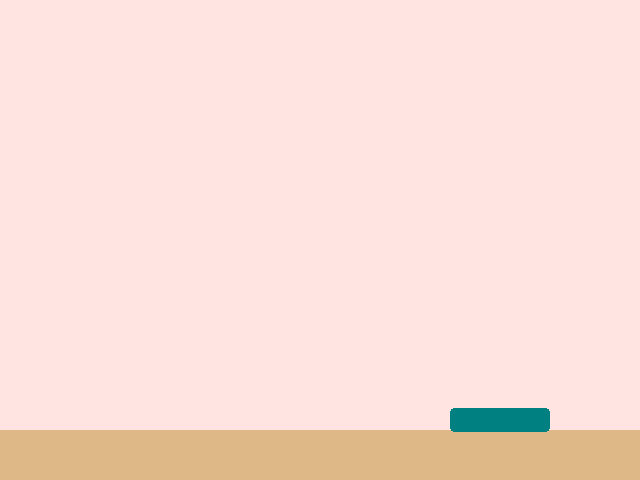
The key was down for 30 frames. Six steps on each frame makes 180 steps in all. Held keys are for steering.
A piece doesn't know where the screen ends. Check its edge on every frame, and push it back if it has gone too far:
basket = Thing(x=320, y=420, width=100, height=24, color="teal")
basket_speed = 6
half_basket = 50

def play():
    if key_held("left"):
        basket.x = basket.x - basket_speed
    if key_held("right"):
        basket.x = basket.x + basket_speed
    if basket.left < 0:
        basket.x = half_basket
    if basket.right > WIDTH:
        basket.x = WIDTH - half_basket

def draw():
    paper("misty rose")
    rect(x=320, y=455, width=640, height=50, color="burlywood")
    basket.draw()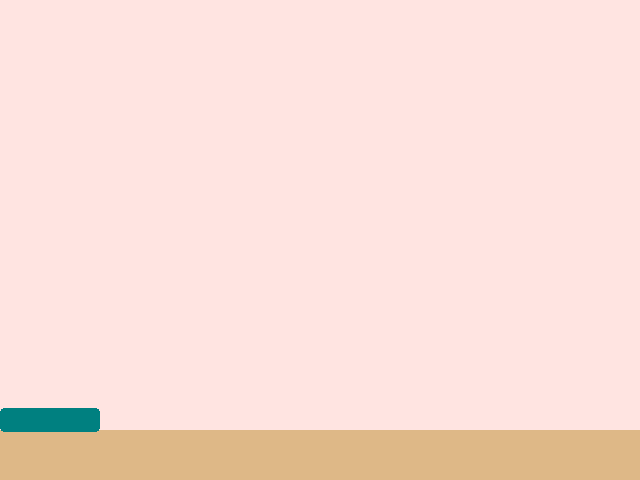
basket.left is the basket's left edge. When it slips below 0, the basket is put back with its edge exactly on the wall.
For a jump or a zap, you want one action per tap. That's key_pressed. This game counts both kinds, so you can see the difference:
game.taps = 0
game.held = 0

def play():
    if key_pressed("space"):
        game.taps = game.taps + 1
    if key_held("space"):
        game.held = game.held + 1

def draw():
    paper("midnight blue")
    write(f"Taps: {game.taps}", x=320, y=190, size=72, color="gold")
    write(f"Frames held: {game.held}", x=320, y=280, size=44, color="white")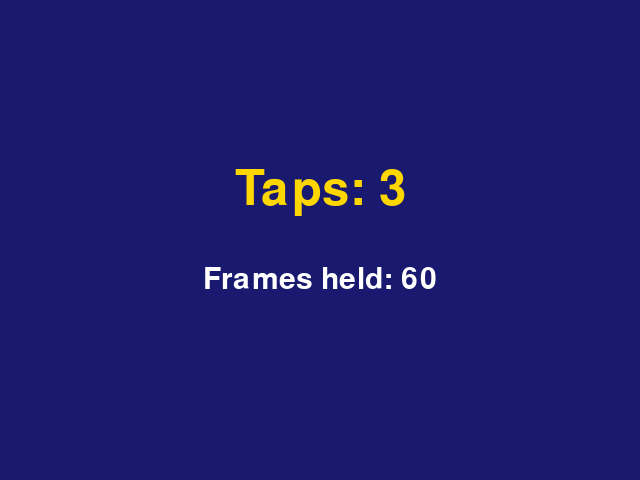
Three taps counted as 3. The same key, held, counted 60 times. Use the wrong one for a jump and your bird turns into a rocket.
Every control in every game is one of these two. Steering, sliding, and aiming use a held key. Jumping, serving, and firing use a pressed key.
Try it yourself
In the wall game, change basket_speed to 12 and try it. Then add two more lines so the "a" and "d" keys steer as well as the arrows.
The common mistake
Misspelling a key's name. key_held("Right arrow") isn't a name the game knows, and it tells you so. The names are short: "left", "right", "up", "down", "space", or a letter.
What it unlocks
Keys are checked inside the game loop. They change a game piece, and each check is an if.