
Score and lives: the numbers that make it a game
Moving shapes are a toy. Add a score and it becomes a game, because now there's something to beat. Add lives and there's something to lose.
The big idea
The scoreboard, called game, holds numbers like game.score and game.lives. The rules change them, and write() shows them.
See it in code
Set a score on the scoreboard, add to it when something good happens, and write it on the screen in draw():
basket = Thing(x=320, y=420, width=100, height=24, color="teal")
start_y = -20
cupcake = Thing(x=320, y=start_y, size=40, color="orchid", shape="circle")
game.score = 0
points_per_catch = 10

def play():
    cupcake.y = cupcake.y + 5
    if cupcake.touches(basket):
        game.score = game.score + points_per_catch
        cupcake.y = start_y

def draw():
    paper("misty rose")
    rect(x=320, y=455, width=640, height=50, color="burlywood")
    basket.draw()
    cupcake.draw()
    write(f"Score: {game.score}", x=320, y=30, color="sienna")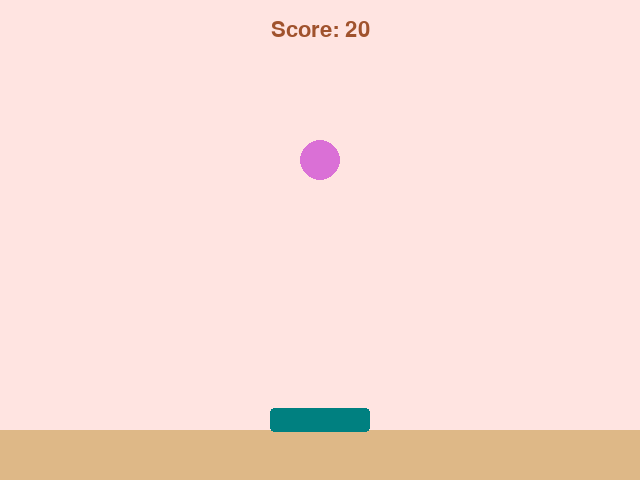
write() goes at the end of draw(), so the words sit on top of everything else. The f lets the score drop right into the text.
Lives work the other way: they count down. Here a cupcake that slips past the bottom costs one. A loop draws a heart for each life left:
basket = Thing(x=200, y=420, width=100, height=24, color="teal")
start_y = -20
cupcake = Thing(x=480, y=start_y, size=40, color="orchid", shape="circle")
game.lives = 3
heart_start = 290
heart_gap = 30

def play():
    cupcake.y = cupcake.y + 6
    if cupcake.top > HEIGHT:
        game.lives = game.lives - 1
        cupcake.y = start_y

def draw():
    paper("misty rose")
    rect(x=320, y=455, width=640, height=50, color="burlywood")
    basket.draw()
    cupcake.draw()
    for count in range(game.lives):
        heart(x=heart_start + count * heart_gap, y=30, size=24, color="red")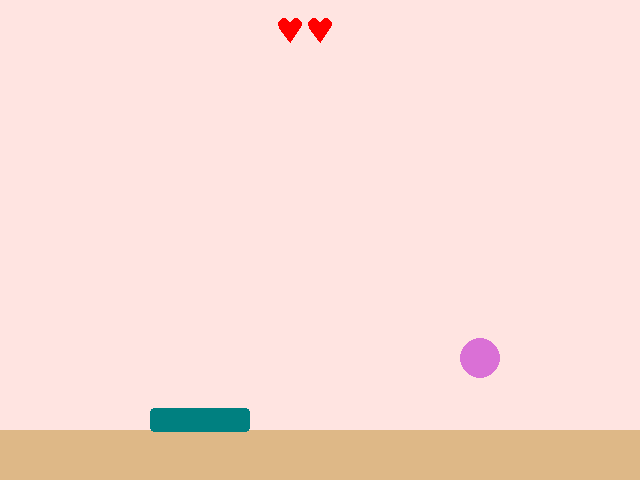
range(game.lives) runs once for each life, so the row of hearts always matches the number. Lose a life and a heart is gone on the very next frame.
Put them together. Catches add points, misses cost lives, and the game stops at zero lives. A second number, game.best, remembers the top score:
basket = Thing(x=320, y=420, width=140, height=24, color="teal")
start_y = -20
cupcake = Thing(x=320, y=start_y, size=40, color="orchid", shape="circle")
game.score = 0
game.lives = 3
game.best = 0
game.over = False
points_per_catch = 10

def new_cupcake():
    cupcake.y = start_y
    cupcake.x = random_number(60, 580)

def play():
    if game.over:
        return
    cupcake.y = cupcake.y + 8
    if cupcake.touches(basket):
        game.score = game.score + points_per_catch
        new_cupcake()
    if cupcake.top > HEIGHT:
        game.lives = game.lives - 1
        new_cupcake()
    if game.lives == 0:
        game.over = True
        if game.score > game.best:
            game.best = game.score

def draw():
    paper("misty rose")
    rect(x=320, y=455, width=640, height=50, color="burlywood")
    basket.draw()
    cupcake.draw()
    write(f"Score: {game.score}", x=110, y=30, color="sienna")
    write(f"Best: {game.best}", x=530, y=30, color="sienna")
    for count in range(game.lives):
        heart(x=290 + count * 30, y=30, size=24, color="red")
    if game.over:
        box(x=320, y=240, width=380, height=90, color="sienna", corner=16)
        write("Game over!", x=320, y=240, size=52, color="white")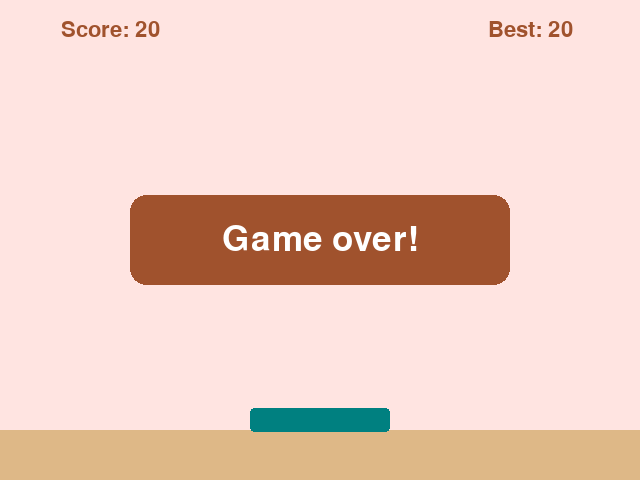
The best score only changes when it's beaten: if game.score > game.best. A lower score next time will leave it alone.
Every game counts something. Bricks broken, gates passed, rocks zapped, seconds survived. The scoreboard is where a game keeps what matters.
Try it yourself
Make each catch worth more than the last. Put the points on the scoreboard with game.points = 10, and use game.points for the catch. Then add game.points = game.points + 5 after each one.
The common mistake
Getting the sign wrong. game.lives = game.lives + 1 on a miss means missing earns lives, and the game never ends. Counting down needs a minus.
What it unlocks
Points are usually earned when pieces touch. Running out of lives changes the game state. And a score is a running total that grows as you play.