
Generative Art for Kids: How Code Turns Creativity Into a System
A parent guide to generative art for kids: how loops, randomness, variables, and constraints can turn creative screen time into real programming skill.
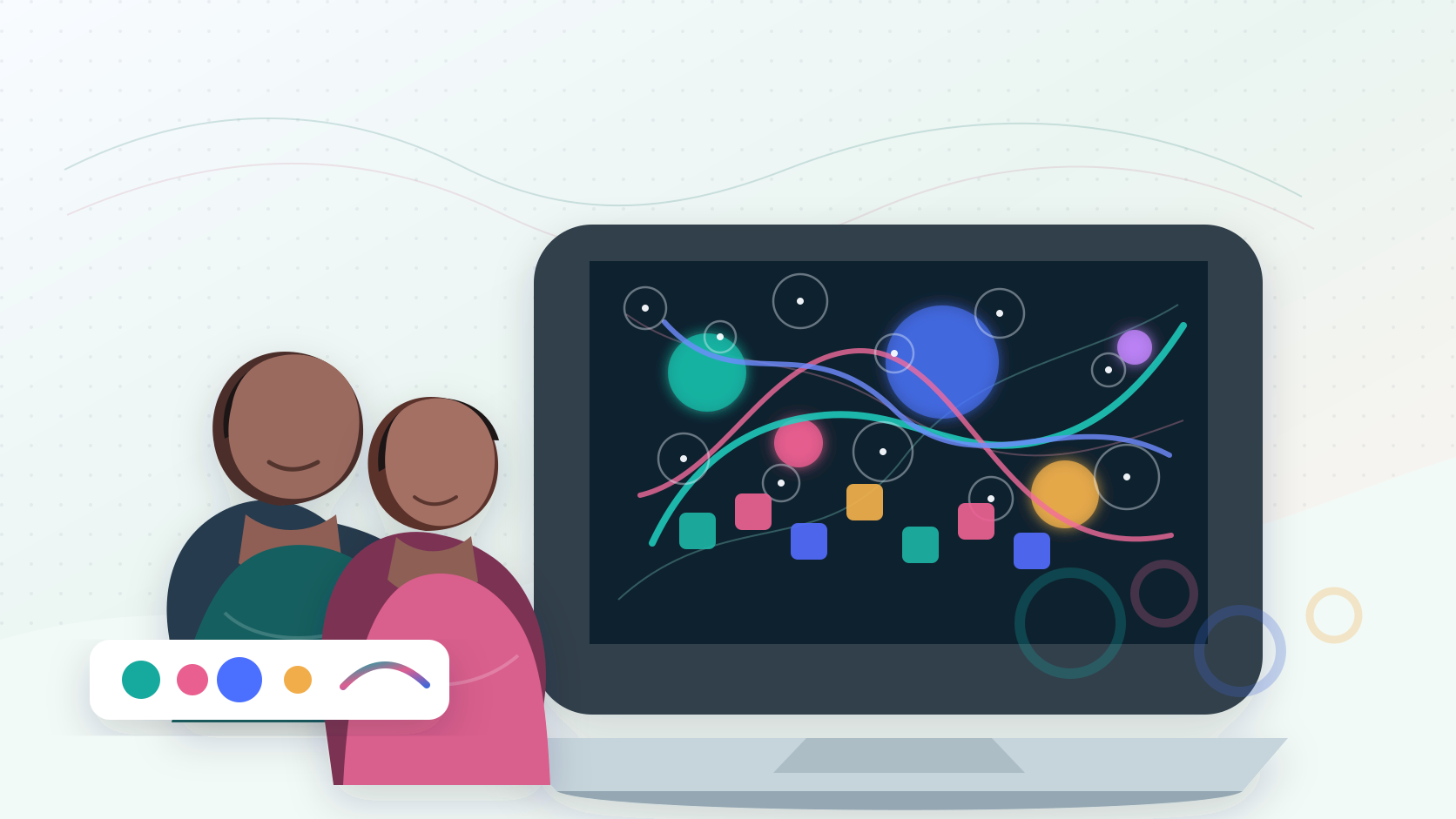
Generative art for kids is a practical way to teach real programming through visual systems. Instead of drawing every mark by hand, students write code that creates patterns, motion, variation, and interaction. A strong generative art project uses variables, loops, randomness, conditionals, functions, and debugging, so the creative output is also serious computer science practice.
For parents, the key is not whether the final image looks impressive. The key is whether the child can explain the rules behind the artwork, change those rules on purpose, and test what happens. That is where generative art becomes more than digital decoration. It becomes a controlled, visible way to learn how code thinks.
Quick Answer: What Is Generative Art for Kids?
Generative art is artwork made from a set of rules. In a kids coding class, those rules can be written in beginner-friendly tools such as Python drawing libraries or JavaScript with p5.js.
A student might write code that says:
- draw 80 circles;
- place each circle on a grid;
- choose colors from a small palette;
- vary the size based on distance from the mouse;
- rotate each shape a little more than the previous one;
- create stars at random positions; or
- animate the pattern over time.
The child is still making creative decisions, but the decisions are expressed as instructions. That is the educational value. The student learns to design a system, not just a single picture.
Why Generative Art Is a Strong Coding On-Ramp
Many beginner coding projects start with text output or math exercises. Those can be useful, but they often feel abstract to younger learners. Generative art gives code an immediate visual consequence.
When a student changes a number from 10 to 60, the shape changes. When a loop runs 100 times, the screen fills with structure. When a condition checks the mouse position, the artwork responds. This short feedback loop helps kids connect syntax to cause and effect.
That makes generative art especially useful for students who are creative, visual, design-minded, or hesitant to call themselves "coders." They can begin with color, motion, and composition while still learning transferable programming concepts.
For families comparing broader coding classes for kids, generative art is a good signal that a program understands more than syntax drills. It shows whether the curriculum can turn creative screen time into structured technical growth.
Generative Art vs. Creative Coding
Creative coding is the broader category: using code to make art, animation, music, interactive sketches, installations, games, or visual experiments. Generative art is a focused part of that category.
The difference is the role of the system.
| Learning path | What the student controls | Common coding concepts |
|---|---|---|
| Digital drawing | Brush, color, layers, hand-made marks | Tool fluency and visual composition |
| Creative coding | Shapes, motion, input, sound, interaction | Variables, events, functions, animation |
| Generative art | Rules that produce many possible outputs | Loops, randomness, constraints, state, debugging |
A creative coding project might draw a single interactive character. A generative art project might define rules for an entire field of characters, each with controlled variation. Both can teach programming. Generative art puts special emphasis on patterns, constraints, and systems.
If your child is new to this category, start with our broader guide to creative coding for kids, then use generative art as the next layer of depth.
The Programming Concepts Kids Learn Through Generative Art
The best generative art projects are not random decoration. They make core programming ideas visible.
Variables
Variables let students name values that control the artwork. A variable might hold the circle size, animation speed, color intensity, row spacing, or number of shapes.
This helps kids understand that code can be adjusted from one clear control point instead of rewritten everywhere.
Coordinates
Generative art makes x and y coordinates concrete. Students learn that the screen is a space with positions, distances, and relationships.
That foundation transfers into web layout, game development, data visualization, and interface design.
Loops
Loops are one of the strongest reasons to teach generative art. A loop can draw a row, grid, spiral, field of stars, or repeating pattern from a few lines of code.
Kids see why repetition matters. They are not memorizing a definition; they are watching a loop create structure.
Randomness
Randomness teaches controlled variation. A beginner may start by placing shapes anywhere. A stronger student learns to set limits: only use these colors, keep shapes within this region, vary size between these values, or make every result feel related.
That distinction matters. Good generative art is not "let the computer decide everything." It is "define a system that can produce interesting outcomes."
Conditionals
Conditionals let the artwork react. If the mouse is on the left side, use cool colors. If a shape reaches the edge, reverse direction. If a value is above a threshold, draw a different form.
This builds the same decision-making logic students need in games, apps, simulations, and AI projects.
Functions
Functions help students package a repeated visual idea. Instead of writing the same flower, star, tile, or character code again and again, the learner creates a reusable command.
That is a major step from "I copied code" to "I can design parts of a program."
A Good Beginner Sequence
Parents do not need a child to start with a complex masterpiece. In fact, jumping too quickly into polished examples can hide weak understanding. A better sequence builds one idea at a time.
- First canvas: draw basic shapes at specific coordinates.
- Color system: choose a small palette and change fills, outlines, and transparency.
- Variable controls: use named values for size, spacing, and speed.
- Repeated row: use a loop to draw a line of related shapes.
- Pattern grid: use nested loops for rows and columns.
- Controlled randomness: vary position, size, or color within clear bounds.
- Mouse interaction: let the viewer influence part of the system.
- Animation: update values over time.
- Reusable motif: turn one visual element into a function.
- Capstone system: combine loops, randomness, interaction, and explanation.
Generation STEM's Paint with Python course follows this kind of progression: students use Python to move from first paintings into color, variables, loops, randomness, conditionals, reusable shape recipes, and a generative poster project.
Project Ideas That Build Real Skill
The project should be simple enough to finish, but flexible enough to personalize.
Pattern Grid
Students create a grid of squares, circles, triangles, or custom shapes. Each row changes slightly. This teaches nested loops, spacing, coordinates, and predictable repetition.
Parent check: Can the child explain which line controls the number of columns?
Random Poster Generator
Students define a color palette, choose a set of shapes, and generate a new poster every time the program runs. This teaches randomness, constraints, and design judgment.
Parent check: Can the child explain why the results still look connected instead of chaotic?
Soundless Music Visualizer
Students create a visual rhythm using repeated bars, circles, or pulses. They do not need actual audio processing at first. They can map values to height, opacity, or motion.
Parent check: Can the child describe the pattern rule before running the code?
Generative Galaxy
Students use loops and random positions to create stars, then add size variation, subtle motion, mouse interaction, and layered color.
Parent check: Can the child change density, speed, or color intentionally?
Data-Inspired Artwork
Students map a small, non-private dataset to visuals. Temperature can control height. A reading log can control color. Moon phases can control shape size.
Parent check: Can the child explain what the data changes in the artwork?
These projects naturally connect to JavaScript for kids, game development for kids, and future work in web design, data visualization, and interactive media.
What Parents Should Look For
A generative art class should not only produce pretty thumbnails. Look for signs that the child is building actual technical understanding.
The student writes real code
Visual feedback is valuable, but the student should still type, run, debug, and modify code. Templates are fine. A fully locked activity is less useful.
Each effect has a concept
The lesson should connect the visual effect to a programming idea. A grid is about loops. Motion is about changing state. Variation is about randomness within constraints. Interaction is about input and conditionals.
The student gets design choices
Strong projects allow original choices: palette, density, motion, shape language, interaction, and final composition. Choice makes the work more personal and forces real reasoning about parameters.
Debugging is visible
Kids should not be rescued from every syntax error. They should learn to compare expected and actual output, isolate one change, read simple error messages, and test again.
The final artifact includes an explanation
Ask for a short artist-engineer note: "My system uses two loops. The outer loop controls rows. The random size stays between 8 and 24. The mouse changes the color." That explanation proves more learning than the image alone.
How AI Should Fit In
AI can support generative art, but it should not take ownership away from the learner. A child can ask AI to explain an error, suggest a simpler version of a loop, or compare two approaches. The student should still understand the important lines.
Use this rule: if the child cannot explain, predict, and change the code, the project is not yet theirs.
Good AI-supported prompts include:
- "Explain this JavaScript error in simpler words."
- "Give me a hint about why my loop only draws one shape."
- "Suggest three variables I could change to make this pattern calmer."
- "Ask me questions to help improve my color system."
Weak prompts include:
- "Make the whole project for me."
- "Fix everything without explaining it."
- "Generate a final image so I do not have to code."
This distinction is central to productive screen time. The child should be constructing, testing, and reflecting, not outsourcing the thinking.
A Parent Decision Framework
If you are deciding whether generative art is a good fit, use these questions.
Does your child enjoy visual making?
If they like drawing, animation, design, games, patterns, or customization, generative art can make coding feel relevant quickly.
Are they ready to type short commands?
They do not need advanced math. They do need enough patience to type simple lines, notice punctuation, and test changes.
Will the class teach concepts explicitly?
The best programs do not hide the computer science behind the art. They name loops, variables, conditionals, functions, randomness, and debugging in age-appropriate language.
Is there a path beyond the first project?
Generative art can lead into website development for teens, game development, data visualization, digital art tools, AI projects, and portfolio work. It should not be a one-off novelty.
Common Mistakes to Avoid
The biggest mistake is treating generative art as either "just art" or "just code." It works because it is both.
Avoid activities where the child only changes colors in a finished template. Avoid projects where randomness is used without constraints. Avoid AI-generated visuals that skip programming entirely. Avoid over-polished examples that the student cannot explain.
Also avoid turning every sketch into a production assignment. Some of the best learning happens through small experiments: one loop, one rule, one bug, one improvement.
FAQ
Is generative art good for kids who are new to coding?
Yes, when it is taught with small steps. Generative art gives beginners immediate visual feedback while still teaching real concepts such as variables, loops, conditionals, functions, and debugging.
What age should kids start generative art?
Many students can start around ages 8 to 12 if they can type short commands and follow simple instructions. Older students can connect generative art to JavaScript, web development, interactive design, data visualization, and portfolio projects.
Is p5.js good for kids?
p5.js is a strong beginner option because it lets students use JavaScript to draw, animate, and interact with a canvas. The visual feedback makes abstract coding concepts easier to understand.
Does generative art require advanced math?
No. Beginners can start with coordinates, size, color, spacing, and simple random values. More advanced students can later explore geometry, trigonometry, physics, data mapping, and algorithms.
How is generative art different from AI art?
Generative art uses rules the student writes and can inspect. AI art usually asks a model to synthesize an image from a prompt. AI can help explain or debug code, but the strongest learning happens when the student owns the system behind the output.
The Bottom Line
Generative art helps kids see that programming is not only about calculators, forms, or text on a screen. Code can be a creative material. A loop can become a pattern. A variable can become a design control. Randomness can become a disciplined system.
For families who want a creative path into serious technical learning, that is a powerful combination.
Explore Generation STEM's Paint with Python course for a guided Python creative coding path, or compare broader online STEM classes if your child wants to connect creative coding with Python, web development, game development, AI, finance, biotech, and cybersecurity over time.