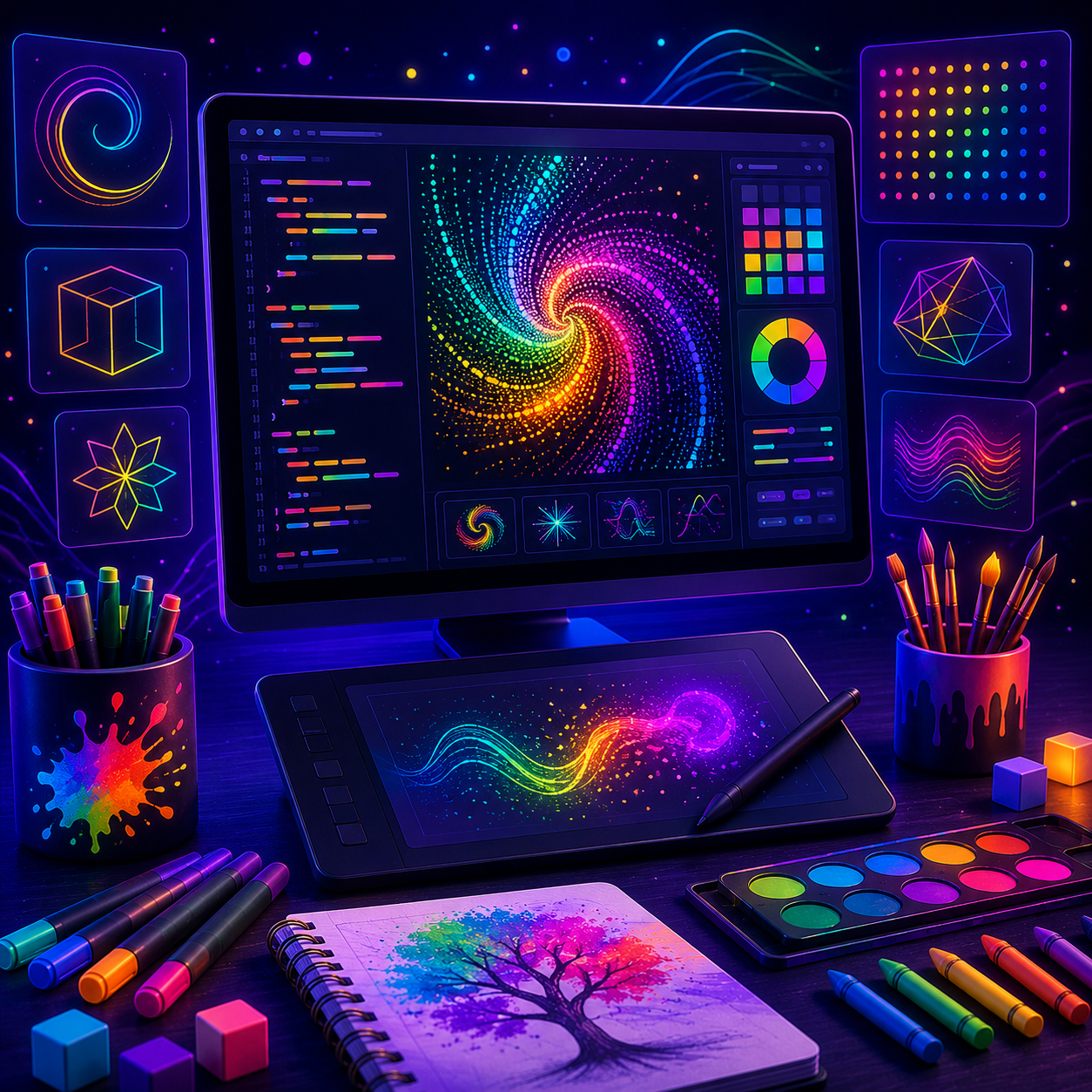
Digital Art Programming
A beginner creative coding course for kids ages 8-12 where JavaScript and p5.js become a digital paintbrush. Students grow one dot into a 16-sketch gallery of colorful drawings, motion, interaction, patterns, randomness, and a generative galaxy.
Here's what you build by Module 3 (Remembering with Number Boxes).
Meet the workspace.
Students build through real coding environments while their personal AI mentor helps them through each challenge.
What is Digital Art Programming?
Turn code into art — colors, motion, and generative designs that come alive on screen.
What you'll learn
- ▸Create art on a p5-style canvas
- ▸Use loops and math to make patterns
- ▸Add color, motion, and randomness
- ▸Build your own generative art
Who it's for
Creative kids who want a playful, visual, low-pressure way into coding.
Where it leads
Creative coding blends art and technology — the foundation for design, digital media, generative art, and a lifelong comfort creating with computers.
A clear path from first concept to final project.
8 modules designed for steady momentum and project-based practice.
Open a blank 400x400 canvas and make the first shapes appear by placing them on an x/y grid.
Learning objective: Students create a first dot and a simple picture while learning setup(), draw(), canvas coordinates, and core p5.js shapes.
Real technical vocabulary and practice.
Students learn the language of the field while building things that make each concept concrete.
Finish the course. Earn the certificate.
Every track ends in a verifiable Certificate of Completion - a real milestone your student can add to a portfolio, application, or resume. Proof they didn't just watch a video; they shipped real projects.
Clear answers before you enroll.
Ready to start Digital Art Programming?
Get the course, AI mentoring, browser workspaces, and parent-visible progress with one family plan.
From $174 upfront for 6 months · 30-day money-back guarantee