
JavaScript for Kids: Why Browser Coding Still Matters in the AI Era
A practical parent guide to JavaScript for kids: what it teaches, when students are ready, how AI changes the learning path, and which projects build real skill.
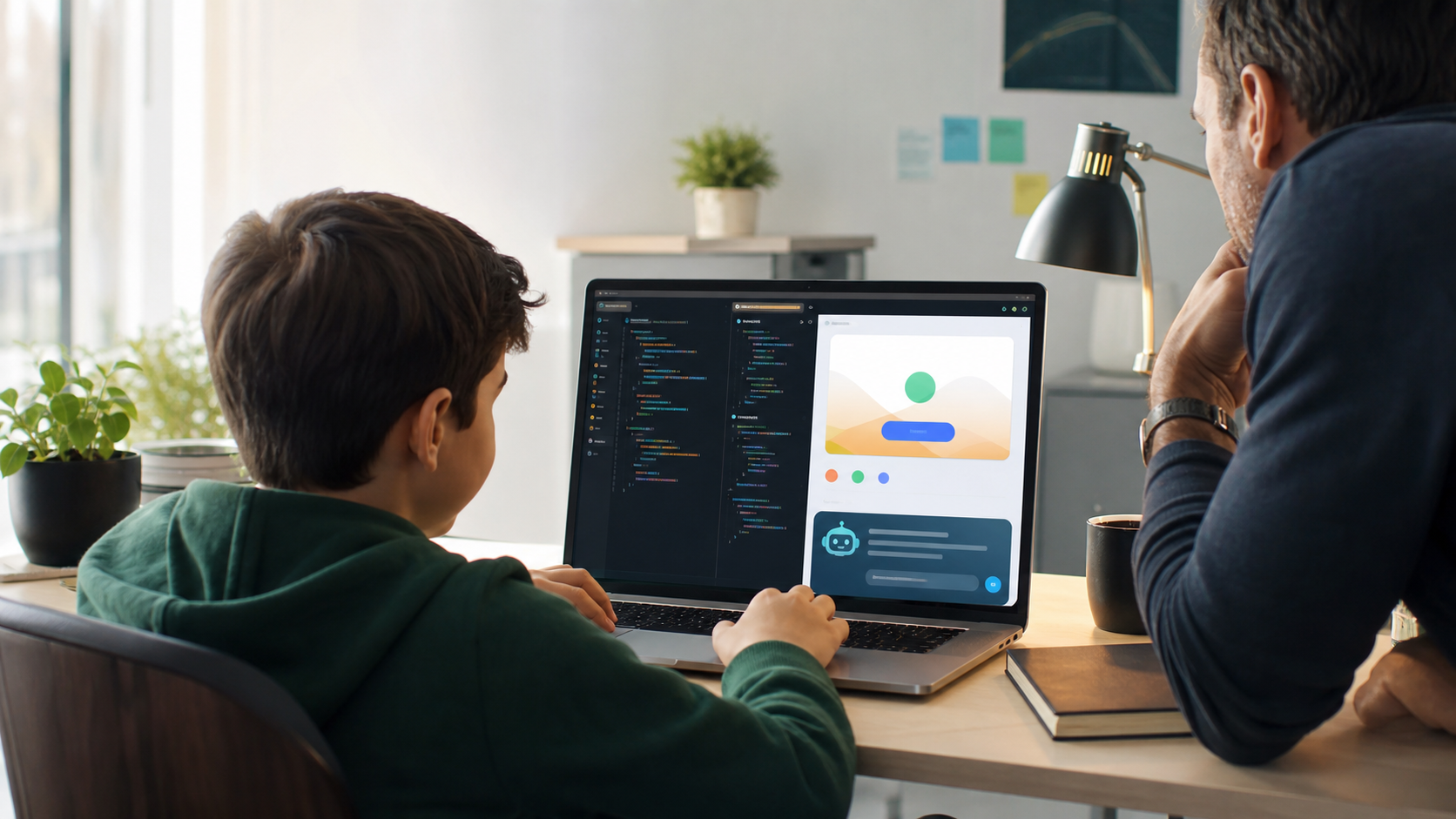
JavaScript for kids is worth considering when a student is ready to make web pages interactive, build visible projects, and understand how modern browser-based products work.
It is not always the best first programming language for every child. Younger beginners often do better with visual coding or Python because the mental model is simpler. But for students who want to build websites, browser games, app prototypes, portfolios, quizzes, calculators, dashboards, or interactive pages, JavaScript becomes one of the most useful languages they can learn.
That matters even more in the AI era.
AI tools can now generate code, explain errors, and produce simple web pages from a prompt. But that does not make JavaScript irrelevant. It raises the bar. Students need enough technical understanding to read code, test it, question AI output, fix broken behavior, and explain what a project actually does.
Recent research on AI coding assistants suggests that professional developers are spending less time simply writing code and more time directing, evaluating, and correcting AI output. In other words, the skill is shifting from "type every line yourself" toward "understand the system well enough to supervise it." That is exactly why kids should not skip foundations.
For families comparing coding classes for kids, online STEM classes, Python for Kids, or a focused Website Development path, JavaScript is best understood as the bridge between learning code and building things people can click, inspect, and use.
Quick Answer: Should Kids Learn JavaScript?
Yes, many kids and teens should learn JavaScript, especially if they want to build websites or interactive browser projects.
JavaScript is strongest when students are ready to:
- Type real code instead of only dragging blocks.
- Understand variables, conditions, loops, and functions.
- Make buttons, forms, menus, games, and page interactions work.
- Combine logic with design through HTML and CSS.
- Debug visible behavior in a browser.
- Build projects they can show to parents, teachers, clubs, or future programs.
For many students, the best path is not "JavaScript instead of Python." It is progression.
Younger students may start with visual logic. Many 8- to 12-year-olds do well with Python because the syntax is readable and the projects can focus on programming ideas. Students who are ready for visible web products can then add JavaScript, because it turns pages from static documents into interactive software.
The important question is not whether JavaScript is "hard." The better question is whether the student is ready for the browser model: structure, style, interaction, user input, state, errors, testing, and revision.
What JavaScript Actually Teaches Kids
JavaScript is the main programming language of the web browser. HTML gives a web page structure. CSS gives it visual design. JavaScript gives it behavior.
That simple three-part model is powerful for students:
- HTML answers, "What is on the page?"
- CSS answers, "How does it look across screens?"
- JavaScript answers, "What happens when someone interacts with it?"
When a student clicks a button and a panel opens, JavaScript is involved. When a quiz tracks a score, JavaScript is involved. When a calculator updates a result, JavaScript is involved. When a page validates a form, changes a theme, filters a list, or responds to a keyboard event, JavaScript is usually part of the behavior.
For kids, that creates a clear learning loop:
- Write a small piece of code.
- Click or refresh the page.
- See what changed.
- Notice what did not work.
- Read the error.
- Try a correction.
- Explain the result.
That loop is one of the reasons browser coding works so well. Students get immediate feedback. They do not have to imagine whether their code matters. The project responds on screen.
Why JavaScript Is Different From Python
Parents often ask whether a child should learn Python or JavaScript first. The answer depends on the student's goal.
Python is usually the cleaner first text-based language for general coding foundations. It is readable, flexible, and strong for games, simulations, data, AI, automation, robotics, cybersecurity basics, and beginner computer science. A child can focus on variables, loops, functions, and debugging without also learning the full browser environment.
JavaScript is different. It asks students to think about code in relation to a user interface. That can be more complex, but it can also be more motivating.
Python says: "Write a program and watch the output."
JavaScript says: "Build something a person can use in a browser."
That difference matters for creative students. A student who likes design, websites, clubs, games, social causes, small businesses, portfolios, or interactive tools may find JavaScript more concrete than abstract exercises. They can make something that looks and feels like part of the internet they already use.
The strongest learning path often uses both. Python for Kids builds programming fluency. JavaScript and web development turn that fluency into visible digital products.
The AI Era Makes JavaScript More Useful, Not Less
AI coding tools can write JavaScript. They can also write incorrect JavaScript.
That is the central parent point.
The future does not belong to students who can copy code from an AI assistant. It belongs to students who can inspect what AI produced, test it, identify weak assumptions, and improve it. That requires real understanding.
A May 2026 longitudinal study on AI coding assistants found a shift toward what the researchers call supervisory engineering work: directing, evaluating, and correcting AI output. Another 2026 computer science education paper argues that curricula need to emphasize software and systems engineering with AI, not just routine programming exercises.
For kids, the lesson is practical. AI can be a useful helper when a student asks:
- "Can you explain why this event listener is not running?"
- "What are two ways to organize this function?"
- "Give me a hint, not the full solution."
- "What edge cases should I test?"
- "Why does this work on desktop but not mobile?"
AI is weaker when a student asks:
- "Build the whole project for me."
- "Give me code I can paste without reading."
- "Fix everything without explaining what changed."
- "Make it look finished even if I do not understand it."
JavaScript projects make this difference visible. A page either responds or it does not. A form either handles input correctly or it fails. A button either changes the right state or exposes a bug. Students can see why verification matters.
That is why AI classes for kids and coding should not be treated as separate worlds. AI literacy is stronger when students also understand the code, data, and interfaces AI is helping them manipulate.
What Age Is Right For JavaScript?
JavaScript is usually best for older elementary students, middle school students, and teens who are ready to type code and handle browser-based projects.
Age is less important than readiness. A 10-year-old who is comfortable with typing, puzzles, and small mistakes may do well. A 13-year-old who has only used drag-and-drop tools may need a slower bridge. A 15-year-old with design or entrepreneurship interests may be highly motivated by JavaScript because the output feels immediately useful.
Look for these signs:
- The student can follow multi-step instructions.
- They can tolerate small errors without quitting immediately.
- They are curious about websites, apps, games, design, or online tools.
- They can read short code examples and compare what changed.
- They want to make something interactive, not only complete worksheets.
- They can explain a project in plain language after building it.
If those signs are present, JavaScript can be a strong next step.
If the child is not ready, that is fine. Visual coding and Python can still build the foundation. The goal is not to rush into a more complex language. The goal is to build confidence and then increase complexity at the right moment.
Beginner JavaScript Projects That Build Real Skill
The best JavaScript projects for kids are small, visible, and explainable.
They should be more than cosmetic page changes, but not so large that the student depends entirely on copied code. A good project has one clear interaction, one or two new concepts, and enough room for personalization.
Strong beginner projects include:
- An interactive profile page with buttons that reveal different interests.
- A quiz that tracks score and gives feedback.
- A habit tracker that updates a list.
- A simple calculator with input validation.
- A random idea generator for stories, workouts, study prompts, or game concepts.
- A browser-based memory game.
- A theme switcher that changes colors and layout states.
- A mini portfolio with project cards and filters.
- A safe password-strength demo that teaches cybersecurity concepts without handling real passwords.
- A study timer with start, pause, reset, and progress states.
Each project should require the student to answer basic technical questions:
- What data does the page need to remember?
- What event starts the behavior?
- Which part of the page changes?
- What happens if the user gives unexpected input?
- How can I test whether the code works?
- How would I explain this to a parent?
That final question matters. If a student cannot explain the project, they probably do not own the learning yet.
What Parents Should Look For In A JavaScript Class
A good JavaScript class for kids should not be a random tutorial playlist.
It should have a learning sequence. It should teach a student how to think through a project, not only how to copy a finished website. It should also make progress visible enough that parents can tell whether the time is productive.
Look for a path that includes:
- HTML and CSS foundations before heavy JavaScript.
- Variables, functions, conditions, arrays, events, and state.
- Browser debugging, including console errors.
- Small projects that grow in complexity.
- Responsive design basics for different screen sizes.
- Accessibility habits, such as meaningful structure and readable contrast.
- AI help that explains and hints instead of replacing the student.
- Parent-visible progress, saved work, or portfolio artifacts.
Avoid programs where the student only follows long videos, copies large code blocks, or ends with a polished project they cannot explain. That can look impressive in a screenshot while hiding weak understanding.
This is the same reason structured online STEM classes can be more useful than open-ended browsing. The learning environment should give students sequence, feedback, practice, and proof.
How JavaScript Connects To Future Skills
JavaScript is not only useful for making websites.
It introduces students to product thinking. A JavaScript project has users, interface states, input, feedback, errors, and edge cases. Those ideas transfer into app design, AI tools, cybersecurity, data dashboards, robotics interfaces, entrepreneurship, and technical communication.
It also helps students understand the internet more deeply. Instead of seeing websites as finished surfaces, they begin to see structure and behavior:
- A menu has logic.
- A form has validation.
- A dashboard has data.
- A game has state.
- A login page has security assumptions.
- A responsive layout has tradeoffs.
That perspective is valuable even if the student does not become a web developer.
The U.S. Bureau of Labor Statistics still projects strong 2024-2034 growth for software developers, quality assurance analysts, and testers, but the deeper point for families is broader than one job title. Kids are growing up in a world where software mediates learning, work, creativity, communication, commerce, and safety. Understanding how software behaves is becoming a general literacy.
JavaScript is one practical way to build that literacy because the projects are visible, interactive, and close to the digital products students already recognize.
A Practical Learning Path
For many families, a sensible path looks like this:
Start with logic. Younger students can use visual coding, puzzles, or unplugged activities to learn sequence, loops, conditions, and cause and effect.
Move into text-based foundations. Python is often the cleanest first language for students who are ready to type real code. It builds confidence with variables, loops, functions, lists, debugging, and project logic.
Add browser building. JavaScript becomes valuable when the student wants to create interactive pages, web apps, portfolios, games, or tools people can use.
Use AI with boundaries. AI should explain, hint, compare, and help debug. It should not remove the student's responsibility to understand the code.
Build a portfolio. Students should finish small projects they can show, revise, and explain. That is more valuable than racing through disconnected lessons.
Generation STEM is built around this kind of progression. Students can begin with Python for Kids, explore broader coding classes for kids, or move into Website Development when they are ready to build for the browser with HTML, CSS, and JavaScript.
FAQ: JavaScript For Kids
Is JavaScript good for kids?
Yes, JavaScript can be very good for kids who are ready to type code and want to build interactive browser projects. It is especially useful for students interested in websites, apps, games, design, portfolios, or entrepreneurship.
Is JavaScript harder than Python for kids?
JavaScript can feel harder at first because students often learn it alongside HTML, CSS, browser events, and page structure. Python is usually simpler for general beginner programming. JavaScript becomes more motivating when the student wants visible web projects.
What age should kids start JavaScript?
Many students are ready sometime between ages 10 and 14, but readiness matters more than age. A student should be comfortable typing, following multi-step instructions, reading short code examples, and debugging small mistakes.
Should my child learn Python or JavaScript first?
Python is usually the stronger first text-based language for general programming foundations. JavaScript is a strong next step for students who want to build websites, interactive pages, browser games, or portfolio projects.
Can AI teach my child JavaScript?
AI can help explain JavaScript, give hints, and debug errors, but it should not replace a structured learning path. Students still need projects, sequence, feedback, and practice explaining what the code does.
What should a beginner JavaScript project include?
A beginner project should include one clear interaction, such as a button, quiz, calculator, filter, timer, or game mechanic. The student should be able to explain the event, the data, the function, and how they tested the result.
Sources And Further Reading
- The Impact of AI Coding Assistants on Software Engineering: A Longitudinal Study
- Now's the Time: Computer Science Must Evolve to Emphasize Software and Systems Engineering with Artificial Intelligence
- Expanding the Scope of Computational Thinking in Artificial Intelligence for K-12 Education
- Pew Research Center teen AI survey coverage, via The Washington Post
- U.S. Bureau of Labor Statistics: Software Developers, Quality Assurance Analysts, and Testers
Start Building Real Browser Skills
If your child is ready to move from consuming websites to building interactive projects, give them a path with structure. Start with Python for Kids if they need a strong first programming foundation, explore coding classes for kids for a broader path, or move into Website Development when they are ready for HTML, CSS, JavaScript, and portfolio-ready browser projects.
Suggested Related Articles
- Best Programming Language for Kids in 2026: Python, Scratch, JavaScript, or AI?
- Web Development for Teens: Why Building Websites Still Matters in the AI Era
- Coding and Screen Time for Kids: When Digital Learning Is Worth It
- Prompt Engineering for Kids: How to Ask AI Better Questions Without Replacing Thinking