Website Development
Build a space website from scratch. Learn HTML, CSS, and JavaScript, then pull in real NASA data.
What is Website Development?
Build real websites, from your first tag to a finished, styled page.
What you'll learn
- ▸HTML, CSS, and JavaScript from scratch
- ▸Pages that look great on any screen
- ▸See every change right away
- ▸A finished site worth showing off
Who it's for
You, if you want to make something visual you can share with your friends.
Where it leads
Websites power startups, online shops, and almost every modern job.
Try it yourself.
You write real code, and Nova, your AI mentor, helps you through each challenge.
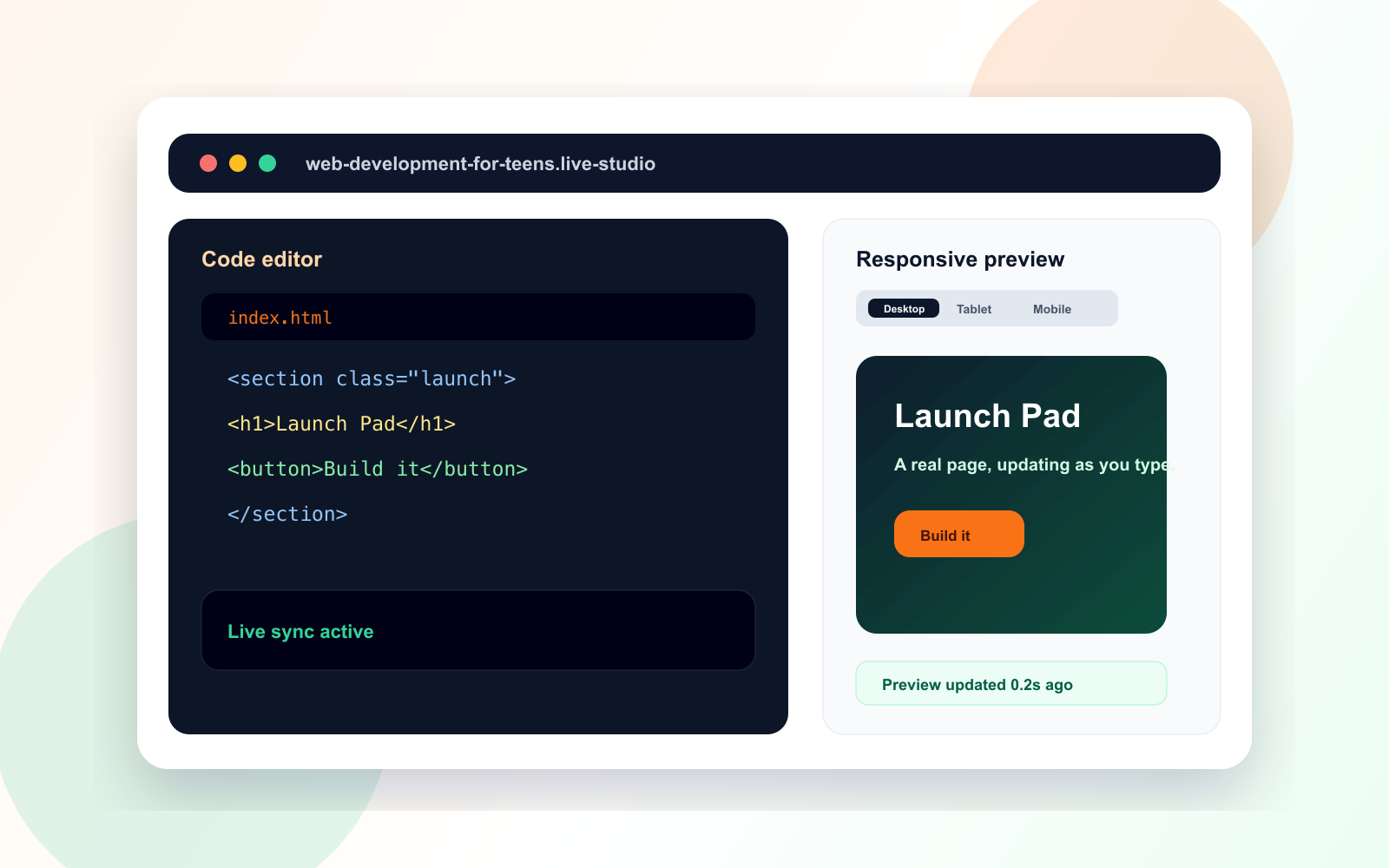
Lesson 1, Activity 2. Only available on a tablet or computer.
Your path, from first line to final project.
8 modules, and each one builds on the last.
Start COSMOS with its first section and the real page structure around it.
You'll learn: HTML, page structure, and meaningful sections
Real skills, with their real names.
You learn the words real coders use, and you build something with each one.
Here's what you build by Module 7 (Data).
Finish the course. Earn the certificate.
Finish the course and you get a Certificate of Completion that anyone can check online. Add it to a portfolio, an application, or a resume. It shows you built real projects, not just watched videos.

What students say.
my first website that doesnt look terrible
COSMOS turned out great
Showed my friends and they assumed I used one of those website builders. Nope, typed every line of it.
Its good and I finally get flexbox. I just wish I could of picked my own topic instead of everybody building the same space site. You do get to change colors and the wording and stuff but its still COSMOS.
the card that lifts up when you hover >>>>
real API data
Pulling live NASA data into a page I built myself was easily the best part. That's the point where it stopped feeling like a school exercise.
I tried learning web dev from youtube twice and both times I ended up with a half finished todo app and no idea how to make anything else. This went differently because you build the same site the whole way through. Every lesson adds a piece, nav bar, hero, cards, the gallery, and by the end its a full site and you know where everything goes. The responsive lesson was the big one for me. I honestly didnt know you were supposed to start with the phone layout. Also small thing but there's a part where you make it show a backup message when NASA's server is down, and nobody ever taught me to think about that before.
Ready to start Website Development?
One plan unlocks every course, Nova, and your certificates.
Plans from $149 for 6 months · 30-day money-back guarantee