
Creative Coding for Kids: When Art Becomes Real Programming
A parent-friendly guide to creative coding, Python art, p5.js, project ideas, age readiness, and the difference between making with code and generating with AI.
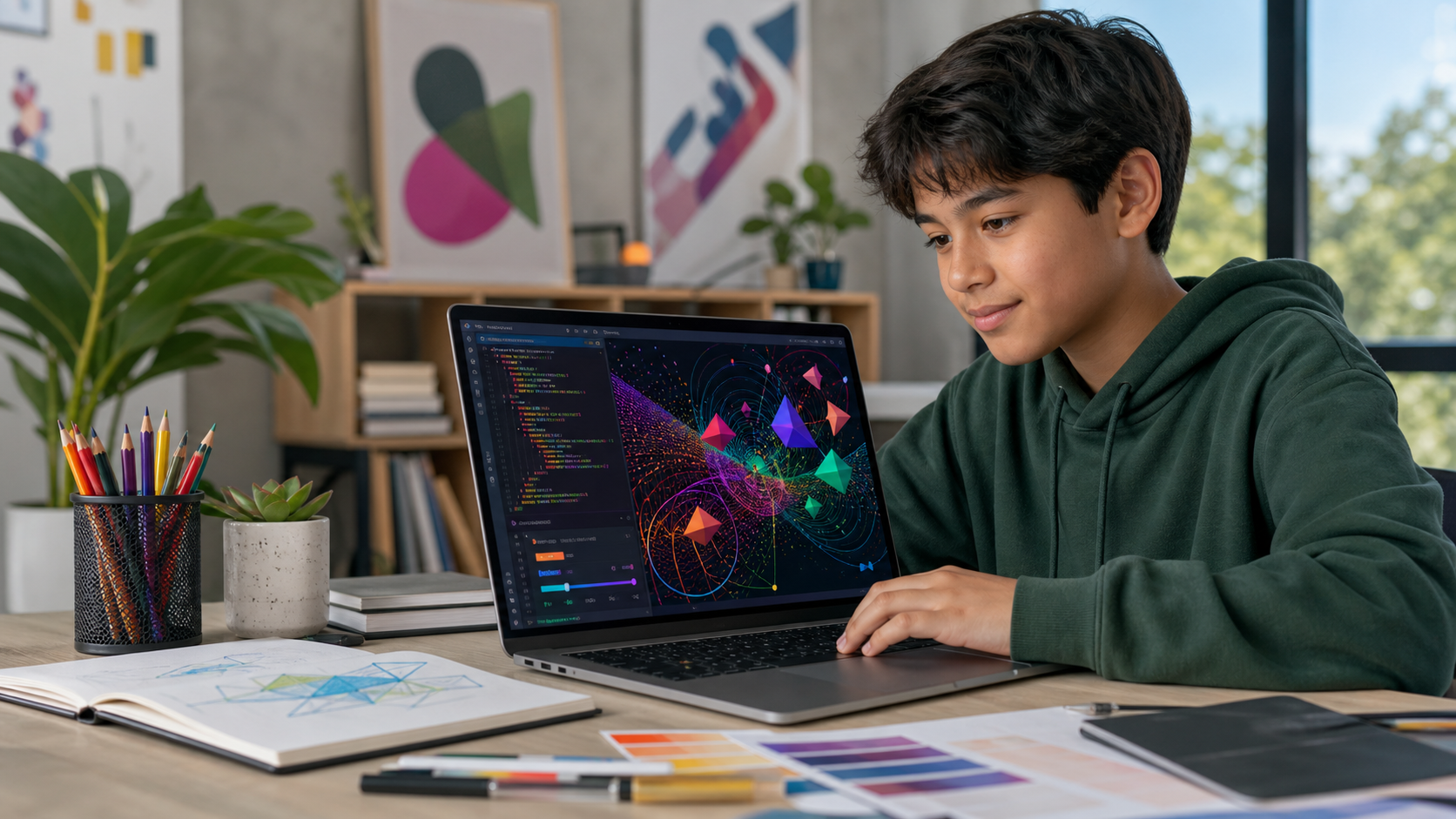
Some children are curious about technology but do not see themselves in a traditional coding lesson. A blank terminal feels abstract. A worksheet full of syntax feels disconnected from anything they want to make. Give the same learner a digital canvas, however, and a different question appears: “What happens if I change this color, speed, shape, or pattern?”
That is the entry point for creative coding. Kids write real instructions, run them, and immediately see those instructions become art, movement, and interaction. Variables stop being mysterious because one variable controls the size of a circle. A loop is no longer a definition to memorize; it is the reason a few lines of code can draw an entire field of stars.
For families comparing coding classes for kids, creative coding can be a rigorous first pathway—not an art activity with a little technology attached.
Quick Answer: What Is Creative Coding for Kids?
Creative coding is the practice of using programming as a material for making art, animation, patterns, sound, and interactive experiences. Instead of starting with business software or text-only exercises, children write code that produces an immediate visual result.
A beginner might use JavaScript to:
- draw shapes at x and y coordinates;
- mix colors with numeric values;
- animate an object by changing a variable every frame;
- respond to a mouse movement or click;
- repeat a pattern with a loop; or
- use controlled randomness to create a new composition each time.
The output is creative, but the learning is computational. Students still practice sequencing, variables, conditionals, loops, functions, debugging, decomposition, and iteration.
Why Creative Coding Is Real Computer Science
The Computer Science Teachers Association's K-12 standards organize learning around concepts such as algorithms and programming, along with practices that include creating, testing, refining, and communicating about computational artifacts. A coded drawing or interactive sketch can require all of those practices.
Consider a bouncing ball. It looks simple, but the student must represent position and speed with variables, update the position repeatedly, test whether the ball reached an edge, and reverse its direction. If the ball becomes stuck or escapes the canvas, the student has to inspect the logic and refine it.
The same foundations scale into other fields:
| Creative coding action | Programming concept |
|---|---|
| Place a shape on a canvas | Coordinates and function arguments |
| Change its color or size | Variables and data values |
| Move it across the screen | State and repeated updates |
| Make it bounce at an edge | Conditionals and Boolean logic |
| Draw a grid of shapes | Loops and nested loops |
| Build a reusable flower or character | Functions and abstraction |
| Respond to a click | Events and user input |
| Produce a new pattern each run | Randomness and parameter ranges |
The official p5.js project describes its library as a friendly way to learn code and make art. Its current beginner materials move learners from canvas setup and shapes into variables, conditionals, interactivity, web design, and accessible canvas descriptions. That progression is one reason p5.js works well as a bridge into JavaScript for kids: the feedback is visual, but the syntax is genuine JavaScript.
Creative Coding vs. Drawing Apps and AI Image Generators
Creative coding, digital drawing, and AI image generation can all produce visual work. They develop different kinds of agency.
A drawing app records gestures
The student chooses brushes, colors, layers, and marks. This can build composition and visual technique, but the learner is usually operating an existing tool rather than defining its rules.
An AI image generator interprets a prompt
The student describes a desired result and a model synthesizes an image. Prompting can involve judgment and iteration, but the system makes most pixel-level decisions. It may also introduce questions about training data, attribution, privacy, and whether the learner understands how the result was produced.
Creative coding defines a system
The student decides how shapes are placed, how values change, how input affects the canvas, and which constraints create the composition. The program can then generate many related outcomes, but those outcomes follow rules the student can inspect and change.
This distinction is useful in 2026, when polished output can hide how little a learner understands. A strong creative coding project remains explainable. The child can point to a loop, change one condition, predict the effect, run the program, and evaluate whether the result matches the intention.
Why Art Can Be a Strong On-Ramp to Coding
Creative coding reduces the delay between effort and meaning. A student changes circleSize from 20 to 80 and sees the result immediately. That fast loop supports experimentation without removing productive difficulty.
It also gives children legitimate design choices. Two students can meet the same technical requirement—use a loop to draw 20 shapes—and produce completely different work. The code has a correct structure, but there is no single correct picture.
That combination matters. The OECD's first international assessment of creative thinking asked 15-year-olds to generate diverse and original ideas, then evaluate and improve ideas across visual, written, scientific, and social tasks. Creative coding exercises a similar cycle: imagine, build, inspect, revise, and explain.
The National Endowment for the Arts has also highlighted creative coding as a way to connect arts-based learning, digital literacy, and STEAM opportunity. For a child who enjoys illustration, patterns, animation, music, or design, code becomes another expressive material rather than an unrelated school subject.
What Age Is Best for Creative Coding?
Many children can begin around ages 8 to 12, although readiness matters more than a birthday. A learner is usually ready when they can type short lines, follow a two- or three-step instruction, compare their code with an example, and tolerate small errors long enough to investigate them.
Ages 7-9: keep the feedback immediate
Use short sessions and small changes. Start with one canvas, a few shapes, color, and mouse interaction. An adult may need to help with typing and punctuation. The goal is to establish cause and effect: “I changed the instruction, so the picture changed.”
Ages 9-12: build complete visual systems
Students can often work with variables, conditionals, loops, randomness, and simple helper functions. Projects can span several sessions and culminate in a small gallery. This is the core age range for Generation STEM's Paint with Python course.
Ages 12 and up: connect art to broader development
Older learners can add interfaces, data, sound, physics, APIs, or machine-learning experiments. They can also publish sketches inside a website and document the work in a technical portfolio.
If a child already enjoys block coding but is not ready for text-heavy applications, creative JavaScript can also provide a gentler transition. Our Scratch-to-Python readiness guide explains the broader signals that a learner is ready to move from blocks into typed code.
7 Creative Coding Projects for Beginners
The best first projects produce a visible result quickly and leave room for personal decisions.
1. A geometric self-portrait
Build a face or character from circles, rectangles, lines, and color. This teaches coordinates, layering, arguments, and the order in which instructions run.
2. An interactive paintbrush
Draw a shape at the mouse position and change its color or size when the user clicks. Students learn events, input, variables, and continuous drawing.
3. A bouncing shape study
Animate one shape and reverse its horizontal or vertical speed at the canvas edge. Add trails, transparency, or multiple objects only after the core motion works.
4. A pattern generator
Use one loop for a row, then nested loops for a grid. Vary size or color according to row and column. This turns repetition and coordinate arithmetic into something a student can see.
5. A controlled-randomness poster
Generate shapes within chosen ranges for position, scale, and palette. The student should define the constraints rather than accept every random result. Save several outputs and explain which rules make the system coherent.
6. A data-inspired artwork
Map a small, non-personal dataset—such as daily temperatures or moon phases—to color, height, or shape. This introduces the idea that data can control a visual representation without requiring advanced statistics.
7. A generative galaxy
Combine loops, randomness, animation, and mouse input in one capstone. Build it in layers: static star field, varied size, subtle motion, interactive color, then a short explanation of how each layer works.
These are coding projects, not tutorials to copy once. Ask the student to make one prediction before each change and one design decision that is not present in the example.
A Practical Learning Sequence
A strong creative coding curriculum should manage complexity instead of presenting every feature at once.
- Canvas and coordinates: place basic shapes deliberately.
- Color and style: change fill, outlines, opacity, and background.
- Variables: control several parts of the image from named values.
- Animation: update values over time inside a draw loop.
- Conditionals: make motion or appearance respond to a rule.
- Interaction: use the mouse or keyboard as input.
- Randomness: create variety within meaningful limits.
- Loops: build repeated rows, grids, and systems efficiently.
- Functions: package a repeated visual idea into a reusable command.
- Capstone: combine concepts, test edge cases, and present the result.
This sequence gives each new concept a visible purpose. It also creates small artifacts along the way, which makes progress easier for both students and parents to evaluate.
What Parents Should Look For in a Creative Coding Class
A colorful final image is not enough. Look for evidence that the student is making and understanding decisions.
Real code with appropriate scaffolding
Templates and hints are useful, especially for beginners. The learner should still type, run, debug, and modify JavaScript. If every project is assembled by dragging finished components, the technical transfer may be limited.
A clear concept behind each project
The lesson should connect an effect to a programming idea: animation to changing state, patterns to loops, interaction to events, and reusable motifs to functions.
Space for original choices
Students should be able to choose palettes, forms, motion, density, or behavior while meeting a technical goal. Personalization is not decoration; it requires the learner to reason about parameters and consequences.
A visible debugging process
Errors should not be silently fixed for the child. Good instruction helps the learner read the message, isolate one likely cause, test a change, and describe what happened.
A body of saved work
A sequence of sketches shows growth better than one polished capstone. It also gives the student material for a future coding portfolio.
These qualities turn creative work into genuinely productive screen time: the child is planning, constructing, testing, and reflecting rather than only consuming.
How AI Should—and Should Not—Help
AI can explain an error in simpler language, suggest test cases, or offer two approaches to a small effect. It should not generate the entire sketch while the child becomes the operator of a copy-and-paste loop.
Use a simple ownership rule: the student should be able to explain, predict, and change every important part of the project.
If AI suggests code, ask the learner to:
- identify the new lines;
- explain what each value controls;
- predict what one modification will do;
- test the prediction; and
- keep a brief note about the assistance used.
For art projects, families should also avoid uploading a child's face, private information, or copyrighted reference work to an AI service without understanding its terms.
Accessibility, Attribution, and Responsible Publishing
Visual code should be designed with more than sighted users in mind. p5.js provides guidance for accessible canvas descriptions and screen-reader output. A beginner may not implement every accessibility feature at once, but writing a plain-language description of the artwork is a valuable starting habit.
Students should also distinguish between inspiration and copying. Use original drawings, public-domain material, or appropriately licensed assets. Credit external data and media. If a sketch is published, remove names, school details, precise location data, API keys, and other private information.
These practices are part of technical education. Responsible creators understand not only how to make an artifact, but also how other people may experience it and where its materials came from.
Does Creative Coding Lead Anywhere Beyond Art?
Yes. Creative coding can lead into web development, game design, animation, data visualization, interactive media, physical computing, user-interface design, and technical art. The U.S. Bureau of Labor Statistics notes that some special-effects artists and animators create work with code, and that employers often value both strong portfolios and technical skills.
The point is not to choose a career for an eight-year-old. It is to develop transferable habits: breaking an idea into rules, testing a system, refining a design, and explaining a result. Children who enjoy this pathway may later explore game development for kids or broader JavaScript and web projects.
Frequently Asked Questions
Is creative coding good for complete beginners?
Yes. It is especially effective when lessons begin with simple shapes and immediate feedback. A student can create a meaningful result with a few lines of code, then add variables, motion, interaction, and loops gradually.
Does my child need to be good at drawing?
No. Creative coding can use geometry, patterns, motion, data, and interaction. The student needs curiosity and a willingness to iterate, not advanced drawing technique.
Is p5.js a real programming tool?
Yes. p5.js is a free, open-source JavaScript library for creative coding. Students write JavaScript and learn concepts that transfer to browser programming, even though p5.js provides beginner-friendly drawing and interaction functions.
Is generative art the same as generative AI?
No. Generative art can be produced by explicit rules, loops, randomness, or mathematical systems written by the artist. Generative AI usually relies on a trained model that synthesizes output from patterns in training data. A p5.js pattern generator does not require generative AI.
What device does a child need?
A laptop or desktop with a modern browser and a keyboard is usually the most practical setup. Many browser-based environments require no software installation. A tablet can display projects, but typing and debugging code is generally easier with a physical keyboard.
How can I tell whether my child is actually learning?
Ask the child to show one bug, explain one variable, predict what a change will do, and make a new version without following the original instructions line by line. Explanation and independent modification are stronger evidence than visual polish alone.
Start With Code a Child Can See
Creative coding gives technically curious artists—and creatively curious future programmers—a concrete first step. Every shape, movement, and pattern makes the relationship between instruction and outcome visible.
Generation STEM's Paint with Python course guides kids through browser-based Python art projects, from a first painting to a generative poster built with named colors, coordinates, loops, randomness, conditionals, and reusable shape recipes.
Suggested Related Articles
- JavaScript for Kids: Why Browser Coding Still Matters
- When Should Kids Move From Scratch to Python?
- Productive Screen Time for Kids
- Game Development for Kids
- Coding Portfolio for Teens
Sources
- p5.js: a friendly tool for learning to code and make art
- p5.js beginner tutorial: Get Started
- p5.js tutorials and accessibility resources
- Computer Science Teachers Association K-12 Standards
- OECD: New PISA results on creative thinking
- National Endowment for the Arts: A Call-to-Action in STEAM Education
- U.S. Bureau of Labor Statistics: Special Effects Artists and Animators