
Drawing shapes: one command, one shape
A painting is just shapes, stacked up. A circle for a sun. An oval for a fish. A box for a robot. Each one takes a single line of code.
The big idea
A shape command paints one shape. Its keywords say where it goes (x, y), how big it is, and what color it is.
See it in code
Each line is one command, and each paints one shape. The keywords name every number, so you can read what it means:
paper("light sky blue")
rect(x=200, y=260, width=400, height=80, color="turquoise")
rect(x=200, y=350, width=400, height=100, color="sandy brown")
circle(x=300, y=90, size=80, color="gold")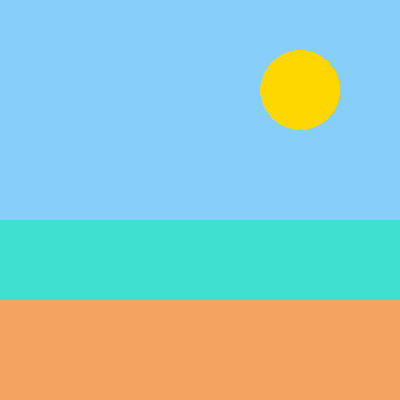
x and y are the shape's center. A rect needs a width and a height. A circle only needs a size.
An oval is a stretched circle, with its own width and height. A ring is a circle's outline with nothing inside:
paper("dodger blue")
oval(x=140, y=220, width=60, height=80, color="dark orange")
oval(x=210, y=220, width=150, height=90, color="orange")
circle(x=250, y=205, size=14, color="white")
ring(x=300, y=150, size=22, color="white")
ring(x=320, y=105, size=14, color="white")
ring(x=310, y=70, size=8, color="white")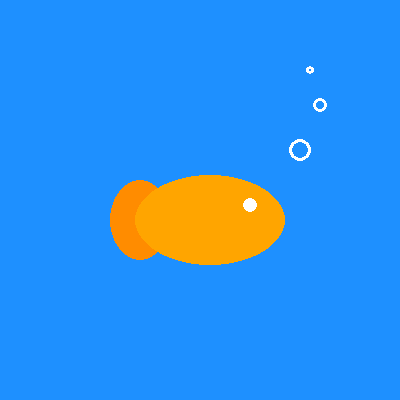
The tail was painted before the body, so the body covers part of it. Shapes painted later sit in front of the earlier ones.
More shapes mean more to build with. A box has rounded corners, a line joins two spots, and a smile is half a ring:
paper("wheat")
rect(x=200, y=360, width=400, height=80, color="saddle brown")
rect(x=200, y=185, width=36, height=20, color="dim gray")
box(x=200, y=255, width=150, height=130, color="silver", corner=18)
box(x=200, y=140, width=100, height=80, color="silver", corner=16)
line(x1=200, y1=100, x2=200, y2=62, color="dim gray", width=4)
circle(x=200, y=58, size=14, color="red")
circle(x=180, y=130, size=16, color="deep sky blue")
circle(x=220, y=130, size=16, color="deep sky blue")
smile(x=200, y=150, size=40, color="black", width=4)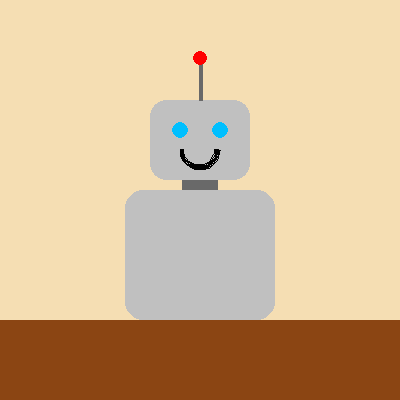
corner=18 rounds the box's corners. A line is the odd one out. It has no center, so it takes two spots: x1, y1 and x2, y2.
These same commands draw every game in the arcade. A basket is a box, a ball is a circle, and a hopping bird is an oval with an eye.
Try it yourself
Give the robot arms with two line commands, from its shoulders out to each side. Then add a ring at the end of each arm for a hand.
The common mistake
Mixing up width and height. Width is across, height is up and down. Swap them on a fish and it stands on its tail like a balloon.
What it unlocks
Shapes need spots, so learn x and y. They need colors too. Then let a loop paint many of them for you.