
When Should Kids Move From Scratch to Python? A Readiness Guide
A practical readiness guide for parents deciding when and how a young coder should move from visual Scratch projects to text-based Python.
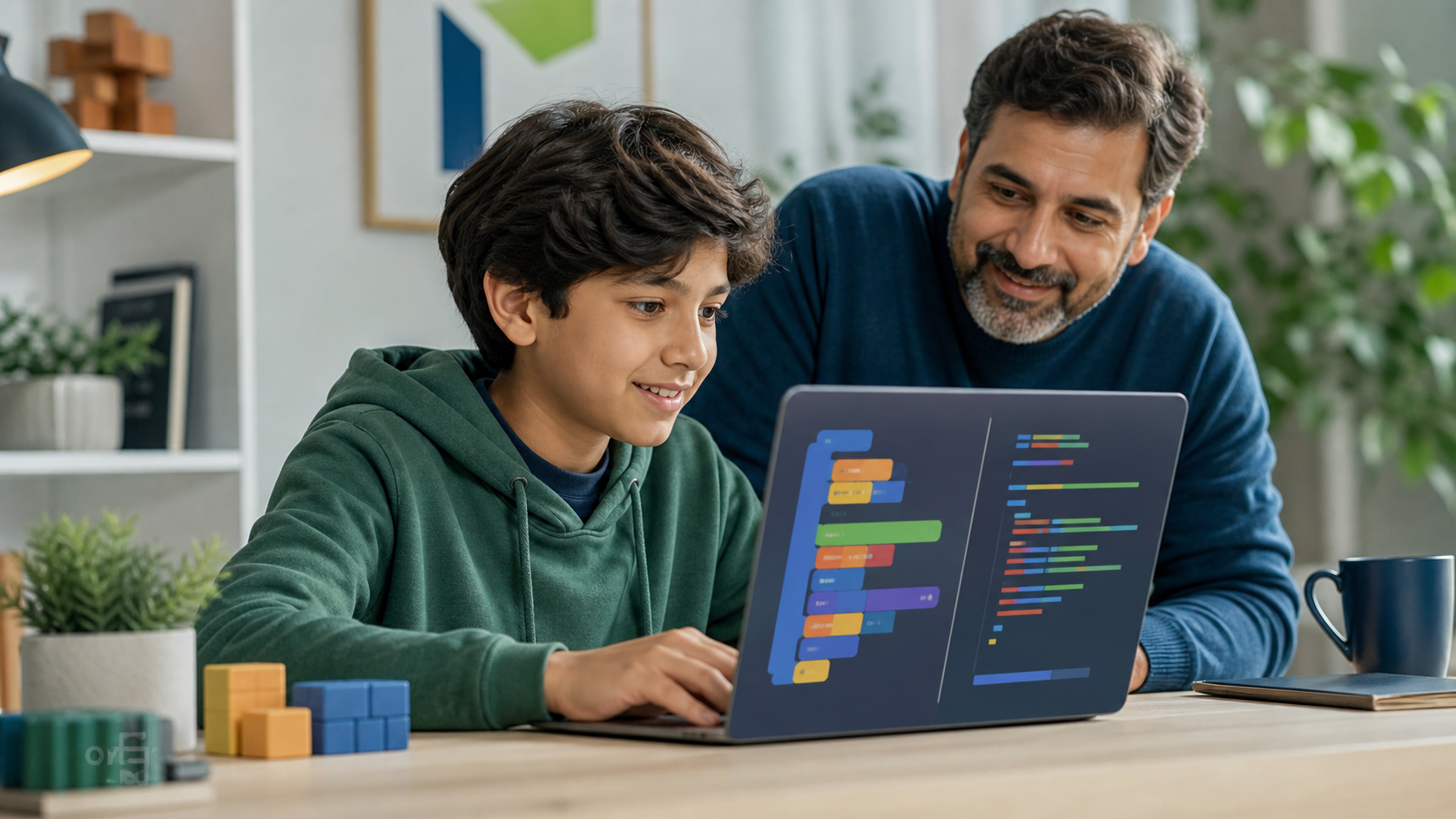
Moving from Scratch to Python can look like a simple upgrade: replace colorful blocks with typed code and keep building. For a child, however, the change is bigger than it appears.
Scratch protects beginners from spelling mistakes, missing punctuation, and many invalid combinations. Python asks them to express the same ideas through exact text. A loop is still a loop, but now indentation matters. A variable still stores information, but now the learner must type its name consistently. A bug may no longer be visible as one misplaced block; it may appear as an error message on a line of code.
That extra friction is useful when a child is ready for it. It develops precision, debugging habits, keyboard fluency, and access to projects involving data, automation, artificial intelligence, and more advanced games. Introduced too early or too abruptly, though, it can make a capable young creator feel as if they have suddenly become bad at coding.
The right question is not simply, “What age should kids learn Python?” It is: Does this learner have enough programming understanding, typing comfort, and project motivation to benefit from text-based coding?
For families comparing Python for kids, coding classes for kids, or online STEM classes, this guide explains how to make that decision without rushing the transition.
Quick Answer: When Should Kids Move From Scratch to Python?
Most children are ready to try Python when they can independently build a small Scratch project using sequences, loops, conditions, variables, and events; explain what their code is doing; type short instructions without excessive frustration; and show interest in projects that benefit from text-based code.
Age can provide context, but it is not the deciding factor. Some children are ready around ages 9 or 10. Many make the transition around 11 to 13. Others should keep creating in Scratch longer—and that is not falling behind.
A good transition is also not a permanent graduation. Kids can use Scratch for animation and rapid visual ideas while learning Python for quizzes, simulations, data, automation, or AI experiments. The tools serve different creative purposes.
What Scratch Actually Teaches
Scratch is not a toy version of programming. It is a visual programming language designed to remove avoidable syntax barriers while learners develop real computational ideas.
The Scratch Foundation describes Scratch as a way for young people to create stories, games, and animations while learning to think creatively, reason systematically, and work collaboratively. Its primary audience is ages 8 to 16, although younger and older learners use it too.
While building in Scratch, a child can learn:
- Sequence: instructions run in a meaningful order.
- Events: an action can begin when a key is pressed, a sprite is clicked, or a message is received.
- Loops: repeated behavior belongs in a reusable structure.
- Conditions: programs can make decisions based on true-or-false rules.
- Variables: names can store scores, lives, timers, and other changing information.
- Decomposition: a large game becomes smaller behaviors and scripts.
- Debugging: unexpected behavior can be traced to a cause and revised.
- Iteration: projects improve through testing, feedback, and new versions.
These concepts transfer. A child who understands them is not starting over in Python. They are learning a new way to express ideas they already know.
Seven Signs A Child Is Ready For Python
No single sign proves readiness. Look for a pattern across these seven areas.
1. They can build without copying every step
Tutorials are useful, but readiness becomes clearer when a child can change a project or start a small one from a blank page. They might create a score system, add a new level, design their own quiz, or explain how they would make a character react to an event.
Independent choices show that the learner understands the logic instead of only reproducing a sequence of clicks.
2. They understand core concepts in plain language
Ask what a loop, condition, variable, and function-like custom block does. The answer does not need textbook vocabulary. A child who says, “A loop repeats these actions,” or, “The variable remembers the score,” has a concept that can transfer into Python.
3. They debug instead of immediately restarting
Text coding creates more visible errors. A Python learner will need to read messages, compare expected and actual behavior, and test one change at a time.
In Scratch, look for early versions of that habit. Does the child inspect blocks, trace the program, check variable values, and try a focused fix? Or do they delete everything when a project behaves unexpectedly?
4. Typing no longer consumes all their attention
Python is readable, but it still requires accurate typing. A learner does not need adult keyboard speed. They should be able to type short words, parentheses, quotation marks, numbers, and indentation without the mechanics overwhelming the programming idea.
Raspberry Pi Foundation guidance notes that many children have enough typing fluency to try text-based programming around age nine or ten, while also emphasizing that there is no universal correct age.
5. They can tolerate small amounts of exactness
Scratch blocks snap together and prevent many invalid combinations. Python will object to a missing quote, inconsistent indentation, or misspelled variable name.
Readiness means a learner can accept that the computer is literal. It does not mean they avoid mistakes. It means they can treat an error as information rather than as evidence that they cannot code.
6. They want to build something Python makes possible
Motivation is often a better transition signal than age. A child may want to create a text adventure, simulate a dice game, analyze simple data, automate a repetitive task, control hardware, or understand how AI projects use code.
Python becomes meaningful when it unlocks a desired project. “You are old enough now” is a weak reason. “This language can help you build the thing you care about” is much stronger.
7. They can explain a project after it works
Ask the child to walk through one Scratch script and predict what would happen if a value changed. Explanation reveals whether the logic belongs to the learner or only to the tutorial.
That skill matters even more now that AI coding assistants can produce plausible code quickly. The Code.org Advocacy Coalition’s 2025 State of AI and Computer Science Education report tracks AI literacy alongside computer science standards. In an AI-assisted environment, understanding and verification matter more—not less.
How Scratch Concepts Map To Python
The most effective bridge makes familiar ideas visible in both languages.
| Scratch idea | Python expression | What stays the same |
|---|---|---|
| “When green flag clicked” | Program starts at the first executable line | Instructions need a starting point |
| “Repeat 5” block | for loop | A set of steps repeats a known number of times |
| “Forever” block | while loop | Behavior continues while a rule remains active |
| “If / else” block | if / else statement | The program chooses between paths |
| Variable block | Named Python variable | A name stores a value that can change |
| “Ask and wait” | input() | The program receives information from the user |
| “Say” block | print() | The program presents information |
| “My Blocks” | Function | Reusable behavior gets a meaningful name |
Do not try to translate a large Scratch game line by line. Choose one small behavior. A number-guessing game, quiz, timer, or score rule is enough to show that the logic survived the change in representation.
Raspberry Pi’s educator training for moving from Scratch to Python uses this same principle: transfer the thinking and programming skills learners already have, then introduce text syntax, error messages, and debugging deliberately.
A Four-Week Scratch-To-Python Transition Plan
The first month should protect creative momentum while adding one layer of text-based complexity at a time.
Week 1: Rebuild one tiny familiar idea
Start with output, variables, and user input. Build a greeting program or a two-question quiz. Connect each Python line to a familiar Scratch action.
Good outcomes:
- Runs a short program independently.
- Changes a string or number and predicts the result.
- Understands that
input()receives information andprint()displays it. - Saves and reruns the file.
Do not begin with a long lecture about every Python data type. Let the learner see code produce a result quickly.
Week 2: Add decisions and repetition
Create a guessing game, password-strength practice tool using fictional examples, or simple choice-based story. Introduce if, else, and a small loop.
The focus is not memorizing syntax. It is recognizing the same decision and repetition patterns used in Scratch.
Week 3: Practice debugging on purpose
Give the learner a small working program, then introduce one mistake at a time: a misspelled variable, missing quote, wrong comparison, or indentation error.
Ask three questions:
- What did you expect?
- What actually happened?
- What evidence points to the next change?
This turns error messages into part of the interface instead of a punishment.
Week 4: Build a personal mini project
Let the child choose a manageable project: trivia quiz, text adventure, pet-name generator, math challenge, random story builder, or simple data tracker. Keep the scope small enough to finish.
The project should include a plan, a working first version, one debugging note, and one improvement chosen by the learner. Finished evidence builds more confidence than an ambitious half-built app.
Families looking for ideas can use these Python projects for kids as starting points.
Should Kids Stop Using Scratch Once They Learn Python?
No. Scratch and Python optimize for different kinds of work.
Scratch makes sprites, sound, animation, event-driven interaction, and visual experimentation immediately accessible. Python makes typed logic, reusable functions, data processing, automation, libraries, and many AI or scientific projects more accessible.
A learner might sketch game behavior in Scratch, build a text-based version in Python, and return to Scratch for an animation. Switching tools can deepen understanding because the child must identify the idea beneath the interface.
Raspberry Pi’s parent guidance makes the same point: trying Python does not prevent a learner from returning to Scratch or using both for different projects.
How AI Coding Assistants Fit Into The Transition
AI can explain an error, suggest a project step, or compare a Scratch block with Python syntax. It can also erase the productive struggle that helps a beginner form a mental model.
A useful rule is: the child should remain able to explain, test, and change every line they keep.
Try this sequence:
- The learner attempts the next step.
- They read the error or describe the mismatch.
- They ask for a hint, not a complete replacement program.
- They test the suggestion.
- They explain why the fix worked.
If the child pastes generated code they cannot read, the project may run while learning stalls. See AI coding assistants for kids for a fuller parent framework.
Common Transition Mistakes
Moving because of age alone
An 11-year-old who loves complex Scratch projects is not behind. A motivated 9-year-old with solid typing and logic may enjoy a short Python trial. Readiness is individual.
Treating Scratch as something to outgrow
Calling Scratch “baby coding” can devalue real work and make the transition feel like a status test. Frame Python as an additional tool with different strengths.
Starting with syntax drills
Weeks of isolated punctuation exercises remove the creative reason to code. Teach exactness inside small projects with visible results.
Choosing projects that are too large
A first Python project should not be a commercial game, advanced chatbot, or full social app. Scope is a technical skill. Small finished programs create a base for larger ones.
Letting adults or AI take over the keyboard
Support should reduce confusion without removing ownership. Ask questions, point to the relevant line, and help interpret errors. Let the child make the change.
What Parents Should Look For In A Beginner Python Program
A strong program should connect new syntax to concepts the learner already understands. It should use short projects, make debugging normal, provide age-appropriate explanations, and show parents what the student can now build independently.
Look for:
- A clear progression from output and input to conditions, loops, and functions.
- Projects with room for student choices.
- Error messages taught as evidence.
- Instructors or AI support that give hints before answers.
- Portfolio artifacts rather than only completion badges.
- Parent-visible progress and clear next steps.
- Safe, browser-based tools with no complicated setup when possible.
Be cautious when a course promises instant mastery, relies on copying long programs, measures success only through videos watched, or uses AI to generate most of the work.
FAQ: Moving From Scratch To Python
What age should kids start Python?
Many kids can try Python around ages 9 to 12, but there is no universal age. Readiness depends on programming concepts, typing comfort, frustration tolerance, and project interest. Older beginners can also start directly with Python if the projects and support are appropriate.
Does a child need to learn Scratch before Python?
No. Scratch is a strong entry point because it removes syntax barriers and makes programming ideas visible, but it is not a mandatory prerequisite. A child with good typing, patience, and a motivating beginner project can start with Python.
How long should a child use Scratch before learning Python?
There is no required number of months. A better benchmark is whether the child can independently build and explain a small project using loops, conditions, variables, and events. That may take weeks for one learner and much longer for another.
Is Python harder than Scratch for kids?
Python introduces more typing and syntax errors, so the first projects may feel harder. The underlying ideas—sequence, variables, loops, conditions, and reusable behavior—are familiar when a learner has used Scratch thoughtfully.
Can kids learn Scratch and Python at the same time?
Yes. Using both can work well if projects stay manageable. A child might explore animation in Scratch while building quizzes or text adventures in Python. Avoid teaching two unrelated concept sequences at once; connect the same idea across both tools.
What is a good first Python project after Scratch?
A quiz, number-guessing game, random story generator, text adventure, or math challenge is ideal. The best project uses familiar logic, produces a visible result quickly, and is small enough to debug and finish.
The Parent Takeaway
The best time to move from Scratch to Python is when text-based coding opens a useful next challenge—not when a birthday or marketing claim says it is time.
Look for concept understanding, independent building, early debugging habits, workable typing fluency, and a project the child genuinely wants to make. Then bridge one familiar idea at a time. Keep Scratch available, keep the first Python projects small, and make explanation part of every success.
If your child is ready to turn visual coding confidence into real text-based programming, explore Generation STEM’s Python for Kids course. Families who want a broader project-based pathway can compare our coding classes for kids and choose the level that fits the learner now.
Suggested Related Articles
- Python Projects for Kids: Beginner Ideas That Build Real Coding Skill
- Best Programming Language for Kids in 2026: Python, Scratch, JavaScript, or AI?
- Coding Apps vs Coding Classes for Kids: What Actually Builds Skill?
- Computational Thinking for Kids: The Problem-Solving Skill Behind Coding and AI
- Do Kids Need Math to Code? What Parents Should Know in 2026