
Coding Apps vs Coding Classes for Kids: What Actually Builds Skill?
A parent guide to coding apps vs coding classes for kids: when apps help, when structured classes work better, and how to choose real skill-building screen time.
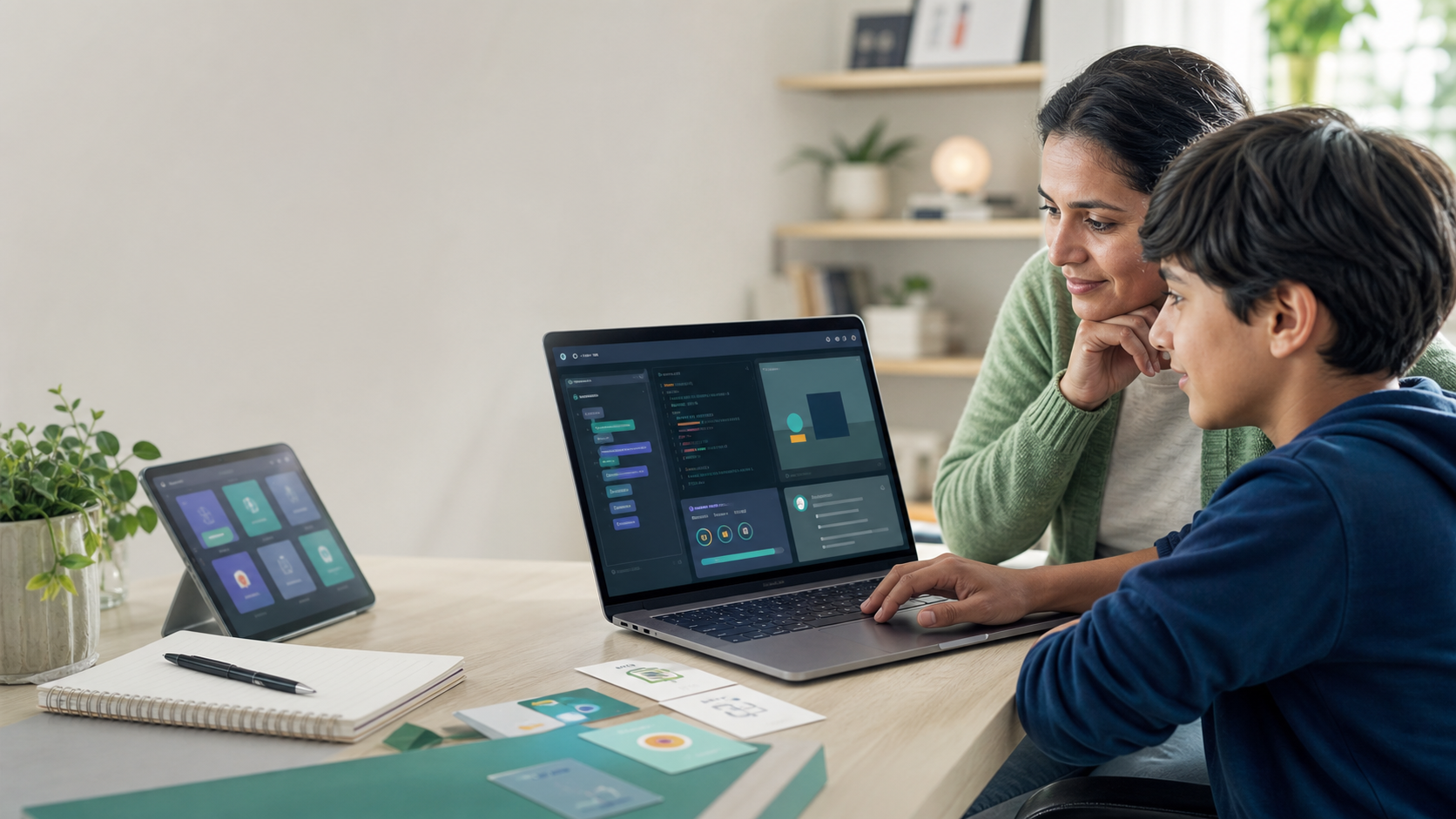
Parents searching for coding apps for kids usually have a reasonable goal: give a child a simple, low-friction way to start learning technology at home.
That can work. A good coding app can introduce sequencing, loops, patterns, logic, and confidence. It can help a beginner feel that programming is not mysterious. It can turn a few minutes on a tablet into something more productive than another video feed.
But there is a limit.
In 2026, children are not only learning to drag blocks or solve puzzle levels. They are growing up around AI chatbots, AI coding assistants, classroom technology debates, and a job market where technical fluency increasingly means knowing how to build, test, explain, and verify. Pew Research Center reported that 64% of U.S. teens say they use AI chatbots, and Code.org's 2025 State of AI and Computer Science Education report tracks how states are beginning to connect AI literacy with computer science education.
That changes the parent question.
The question is no longer "Which app will make coding fun?"
The better question is: "Which learning environment will help my child become a capable builder, not just a good app user?"
For families comparing coding classes for kids, online STEM classes, Python for Kids, or a broader technical path with AI support, coding apps can be a useful starting point. They should not be mistaken for a complete coding education.
Quick Answer: Are Coding Apps Or Coding Classes Better For Kids?
Coding apps are best for early exposure, light practice, and low-pressure curiosity. Coding classes are better when the goal is durable programming skill, real projects, feedback, accountability, and progress parents can inspect.
For most families, the strongest path is not "app or class." It is a sequence:
- Use apps or playful tools to spark interest.
- Move into structured coding lessons when the child is ready to build projects.
- Choose a real language such as Python or JavaScript once the child needs more control.
- Add AI literacy, debugging, and project explanation as the student matures.
A coding app can introduce the feeling of logic. A strong coding class teaches the learning loop behind real programming: plan, write, run, debug, revise, and explain.
That difference matters because the student eventually needs to move beyond tapping the correct answer.
What Coding Apps Do Well
Coding apps can be genuinely useful for beginners. The best ones reduce fear and make abstract ideas visible.
A child can learn that instructions happen in order. They can see that a repeat block saves effort. They can experiment with cause and effect. They can discover that one small change can alter the behavior of a program.
That is valuable, especially for younger students who are not ready for syntax-heavy programming.
Good coding apps often help with:
- Sequencing: putting steps in the right order.
- Pattern recognition: noticing repeated structures.
- Basic loops: doing something more than once.
- Events: making something happen after a tap, click, or collision.
- Confidence: helping children feel that technology is something they can control.
- Short practice: giving families an easy way to test interest before committing to a full course.
Apps can also be helpful for parents who are not sure whether their child is ready. If a child enjoys logic puzzles, asks how games work, or tries to modify what they build, that is a strong signal that a deeper class may be worth it.
The issue is not that apps are bad. The issue is that apps are often optimized for completion, streaks, and smooth progression. Real coding is not always smooth. Students need to learn how to stay with confusion long enough to solve a problem.
Where Coding Apps Usually Fall Short
The biggest weakness of many coding apps is that they hide too much of the real work.
That can be fine at the very beginning. A beginner does not need to install software, configure files, or memorize syntax on day one. But if the app always controls the environment, always narrows the choices, and always confirms the next step, the student may become good at the app without becoming good at programming.
Parents should watch for these limits:
- The child completes levels but cannot explain the idea.
- The app rewards speed more than understanding.
- The student follows a path but rarely creates something original.
- Mistakes are corrected automatically without teaching debugging.
- The child cannot transfer the concept outside the app.
- Progress is measured by badges instead of projects.
- AI answers or hints finish too much of the thinking.
This is especially important now that AI tools can produce code quickly. Anthropic's 2026 research on AI assistance and coding skill formation found that using AI can create a tradeoff between speed and mastery when learners rely on it heavily. The study focused on adult developers, not children, but the learning principle is relevant: a tool that completes work for the student is not the same as a tool that helps the student understand.
Kids do not need the hardest possible path. They do need productive struggle: reading an error, testing a prediction, changing one line, and seeing what happened.
What Structured Coding Classes Add
Structured coding classes are not valuable merely because an adult or platform says "lesson one, lesson two, lesson three." They are valuable when they create a progression a child cannot easily design alone.
A strong coding class gives the student:
- A sequence of concepts that build on each other.
- A real workspace where code can be written, run, and revised.
- Projects that require decisions, not only answers.
- Feedback when something breaks.
- Practice explaining what the code does.
- Age-appropriate challenge.
- A way for parents to see progress.
- A next step after the first successful project.
That structure matters because programming is cumulative. Variables make loops more useful. Loops make games and simulations possible. Functions make bigger projects manageable. Lists and dictionaries let students organize real information. Debugging connects all of it.
This is why Python for Kids can be such a practical first track. Python is readable enough for beginners, but real enough to transfer into games, data, AI, robotics, automation, and future STEM courses.
For older students, Website Development can be the better fit because the feedback is visual. A teen writes HTML, CSS, or JavaScript and immediately sees a web page change. That makes programming feel less abstract and more like building a real digital product.
The Parent Test: App Practice Or Real Skill?
Parents do not need to become programmers to evaluate a coding resource. They can ask better questions.
After a session, ask:
- What did you build?
- What changed when you changed the code?
- What was the bug?
- How did you fix it?
- What concept did you use?
- What would you add next?
- Can you show me the project running?
If the child can answer in their own words, the session likely built something real.
If the answer is mostly "I finished five levels" or "the app said I got it right," that is not useless. It may still be practice. But it is not the same as coding fluency.
The best evidence of learning is a visible project and an explanation. A small guessing game, quiz, animation, calculator, web page, or game mechanic tells parents more than a badge count.
A Good Coding App Can Be A Bridge
There is no need to reject apps completely. For many kids, apps are the bridge into more serious technical learning.
An app is useful when it creates momentum without pretending to be the whole journey.
Use a coding app when:
- Your child is very new to coding.
- You want to test interest before choosing a course.
- Your child is younger and benefits from visual logic.
- The session is short and low pressure.
- The app helps the child talk about patterns, sequences, and cause and effect.
Move beyond the app when:
- Your child starts asking how games, websites, or AI tools actually work.
- They want to make their own project.
- They are frustrated by the app's limits.
- They can read simple instructions independently.
- They need feedback, structure, or accountability.
- You want screen time to turn into visible skill.
The transition does not need to be dramatic. A child can still use a favorite app occasionally while also learning real code in a structured environment.
Why AI Makes This Decision More Important
AI has changed what "learning to code" means.
Students can now ask AI to explain an error, generate a first draft, suggest project ideas, or rewrite code. Used well, that can make learning more accessible. Used poorly, it can let a student skip the thinking.
That is why AI-native coding education should not mean "AI does the work." It should mean:
- AI gives hints before answers.
- AI asks the student to predict output.
- AI explains errors in age-appropriate language.
- AI helps students compare approaches.
- AI supports debugging without removing the need to debug.
- AI reminds students to verify, test, and explain.
Pew's teen AI data shows that students are already using chatbots for information and schoolwork. The question for parents is not whether AI will appear in learning. It already has. The question is whether children will learn to use AI with judgment.
This is where structured classes can outperform standalone apps. A good class can decide when AI should help, when it should stay quiet, and when the student needs to wrestle with the problem.
What Parents Should Look For In Coding Classes
If you are comparing online coding classes for kids, look beyond the promise of "fun."
Fun matters. Motivation matters. But the real question is whether the class creates a builder workflow.
Look for:
- Real projects: Students should build games, tools, websites, simulations, or interactive programs.
- A clear path: The class should move from beginner ideas into stronger concepts over time.
- Readable code: Students should see and write real code when they are ready.
- Debugging practice: Mistakes should become learning moments, not instant failures.
- Parent visibility: You should be able to see completion, progress, or project outcomes.
- No setup friction: A browser-based workspace helps kids start faster and reduces parent tech support.
- Responsible AI support: AI should coach, explain, and guide, not simply finish the work.
- Transferable skills: Concepts should connect to Python, web development, AI literacy, cybersecurity, data, or other future paths.
Be cautious with any program that promises impressive projects without making the student explain, test, or revise. A polished output is not always evidence of learning.
Apps Vs Classes By Age
Age matters, but readiness matters more.
Ages 6-8
Visual coding apps, logic games, robotics toys, and short creative projects can be enough. The goal is exposure: sequencing, patterns, cause and effect, and confidence.
At this age, parents should prioritize joy, conversation, and healthy screen boundaries. The American Academy of Pediatrics Family Media Plan is a useful reminder that families should think about media habits in the context of sleep, movement, school, relationships, and home routines.
Ages 8-12
This is often the best window to move from app-style coding into beginner programming.
Students can still benefit from visual tools, but many are ready for Python for Kids, beginner game logic, simple data projects, and browser-based coding challenges. The goal is not professional programming. The goal is fluency: variables, loops, conditions, functions, lists, debugging, and explanation.
Ages 13-18
Teens usually need more than a coding app.
They may be ready for web development, AI literacy, cybersecurity, portfolio projects, automation, data, or entrepreneurship. They should learn to build things they can show, improve, and discuss. This is also where responsible AI use becomes essential because many teens are already using AI tools for research, schoolwork, and creative projects.
For teens, a strong coding path should include judgment: what to automate, what to verify, what not to paste into a chatbot, and how to keep ownership of the work.
When A Hybrid Approach Works Best
The strongest family setup often uses both apps and structured classes, with different jobs.
Use apps for:
- Warmups.
- Exploration.
- Casual practice.
- Logic puzzles.
- Younger siblings.
- Motivation between projects.
Use classes for:
- Sequenced learning.
- Real programming concepts.
- Project completion.
- Feedback.
- Accountability.
- Parent-visible progress.
- Moving from curiosity to capability.
This distinction keeps expectations clear. An app can keep interest alive. A class should build the student's technical foundation.
A Simple Buying Checklist
Before you pay for a coding app or class, ask these questions:
- Does my child write or arrange logic, or only tap through screens?
- Is there a visible project at the end?
- Can my child explain what they built?
- Does the program teach debugging?
- Does it become more open-ended over time?
- Does it connect to real coding languages?
- Does it support healthy screen boundaries?
- Can I see progress as a parent?
- Does AI help learning, or does it replace thinking?
- Is there a next step when my child outgrows the beginner level?
If the answer is mostly no, the tool may still be entertaining or introductory. It just should not be treated as a complete coding education.
How Generation STEM Approaches This
Generation STEM is built for the step after casual coding apps: the point where a child is ready to build real projects with structure, support, and parent visibility.
Students work in browser-based environments, so families do not need to manage installs or local setup. Courses are organized around technical tracks like Python, web development, AI literacy, cybersecurity, and game development. Nova AI supports students with hints and explanations, but the learning goal remains human understanding: write, run, debug, revise, and explain.
For parents, the value is visibility. You can see whether screen time is turning into actual progress.
For students, the value is momentum. They are not just completing an app's puzzle path. They are building technical confidence that can transfer into future projects.
Start With The Right Question
Coding apps and coding classes are not enemies. They are different tools.
A coding app can help a child start. A coding class should help a child grow.
If your child is only beginning, an app may be enough for now. If your child is asking bigger questions, building small projects, or ready for more meaningful screen time, it may be time for a structured path.
The goal is not to make kids stare at screens longer. The goal is to make their time with technology more active, creative, and useful.
Explore Generation STEM coding classes for kids, start with Python for Kids, compare online STEM classes, or review family plans when you want a structured route from app curiosity to real technical skill.
FAQs
Are coding apps good for kids?
Coding apps can be good for kids when they introduce logic, sequencing, loops, and problem solving in an age-appropriate way. They work best as early exposure or practice, not as the whole coding path.
Are coding classes better than coding apps?
Coding classes are usually better when the goal is real programming skill. A strong class gives students a sequence, projects, feedback, debugging practice, and visible progress that most standalone apps cannot provide.
What is the best age to start coding classes?
Many children are ready for structured beginner coding around ages 8-12, especially if they can read instructions, stay with a challenge, and explain what they are building. Younger children can start with visual coding apps and logic games.
Should kids learn Python or use coding apps first?
Younger beginners may start with coding apps or visual logic tools. Kids who are ready to type, read simple instructions, and build projects can often start with Python because it is readable and widely useful.
How can parents tell if a coding app is educational?
Ask your child what they built, what concept they used, what bug they found, and what they would change next. If they can explain their thinking, the app is more likely to be educational.
Can AI help kids learn coding?
AI can help kids learn coding when it gives hints, explains errors, asks questions, and supports debugging. It is less helpful when it writes the whole answer and removes the student's need to understand the code.
Suggested Related Articles
- Coding and Screen Time for Kids: When Digital Learning Is Worth It
- Game Development for Kids: Turn Gaming Interest Into Coding Skill
- Python Projects for Kids: What Beginners Should Build First
- Vibe Coding for Kids: Should Parents Let AI Build Apps?
- Best Programming Language for Kids in 2026: Python, Scratch, JavaScript, or AI?
Sources
- Pew Research Center: How Teens Use and View AI
- Code.org Advocacy Coalition: 2025 State of AI and Computer Science Education
- Anthropic: How AI Assistance Impacts the Formation of Coding Skills
- U.S. Bureau of Labor Statistics: Software Developers, Quality Assurance Analysts, and Testers
- American Academy of Pediatrics: Family Media Plan