
Vibe Coding for Kids: Should Parents Let AI Build Apps?
A practical parent guide to vibe coding for kids: when AI-assisted app building is useful, when it becomes a shortcut, and what students still need to learn.
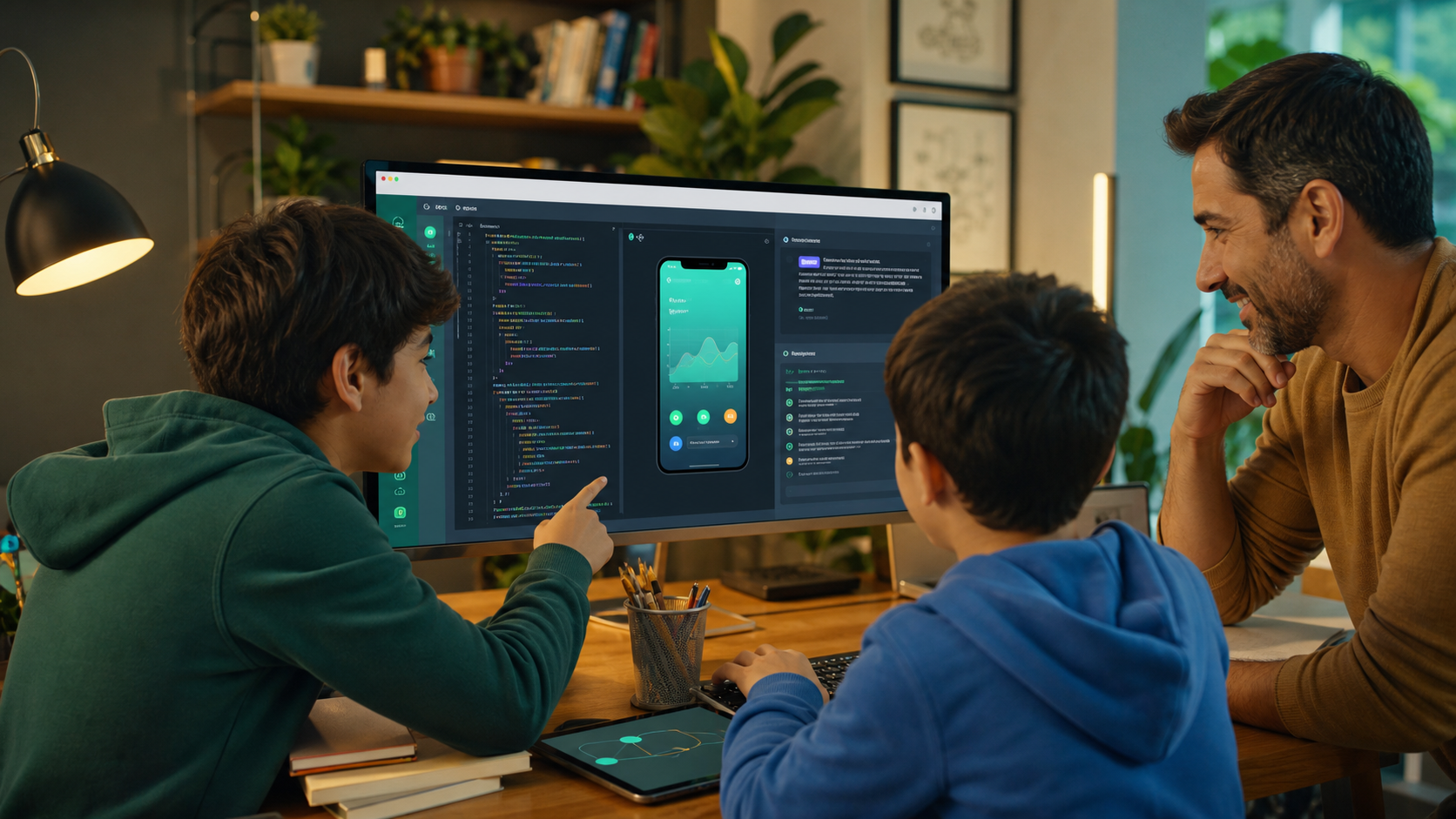
Vibe coding for kids sounds exciting: a child describes an app idea in plain English, an AI coding tool writes the first version, and a working project appears faster than traditional coding lessons.
That is the promise. It is also the risk.
Vibe coding is a newer term for a style of AI-assisted programming where the human spends more time describing what they want and less time writing every line manually. The AI generates code, suggests fixes, explains errors, and sometimes makes whole features from a prompt. For adults who already understand software, that can be powerful. For kids and teens who are still learning how code works, it needs more structure.
The right question is not "Should kids be allowed to use AI for coding?" They already live in a world where AI tools are becoming normal. Pew Research Center reported in February 2026 that 64% of U.S. teens say they use AI chatbots, and more than half say they have used them for schoolwork. A better question is: "How can kids use AI coding tools without skipping the thinking that makes them capable?"
For families comparing AI classes for kids, coding classes for kids, Python for Kids, or Website Development, vibe coding is worth understanding. It can turn a student's idea into momentum. It can also create the illusion of skill when the student cannot explain, debug, or improve what the AI produced.
Quick Answer: Is Vibe Coding Good For Kids?
Vibe coding can be good for kids when it is used as a guided learning tool, not as a replacement for coding foundations.
It is useful when a student:
- Describes a project idea clearly.
- Predicts what the code should do before running it.
- Reads and explains the generated code at an age-appropriate level.
- Tests the result instead of trusting it.
- Fixes small pieces manually.
- Keeps a record of what AI helped with and what they changed.
- Learns the underlying concepts: variables, loops, functions, conditions, events, data, debugging, and user input.
It is not useful when a student:
- Asks AI to build the whole project without understanding it.
- Copies code into a file and calls the assignment done.
- Cannot explain how the app works.
- Accepts broken or insecure code because it "looks right."
- Uses AI to avoid frustration, reading, testing, or revision.
- Treats prompting as a substitute for learning programming.
The strongest version is not "AI builds the app for my child." The strongest version is "AI helps my child think through a project, test ideas, and learn more quickly while still doing real programming work."
What Vibe Coding Actually Means
In traditional beginner coding, students write code directly. They learn syntax, make mistakes, read error messages, and slowly build a mental model of how programs work.
In AI-assisted coding, the student can describe an outcome in natural language:
- "Make a guessing game in Python."
- "Add a score counter."
- "Explain why this loop never stops."
- "Turn this web page into a two-column layout."
- "Help me find the bug, but do not give me the answer yet."
The AI may generate code, ask clarifying questions, or suggest a fix. That can lower the blank-page problem. It can also hide the hard parts.
Cloudflare describes vibe coding as an approach that relies heavily on large language models to generate code. Academic work on vibe coding frames the change more carefully: programming expertise is not eliminated; it moves toward context management, code evaluation, and deciding when to use manual control.
That last point matters for children. If expertise is moving, students still need expertise. They need to know enough to supervise the machine.
Why Parents Are Hearing About It Now
AI-assisted coding is spreading because it makes software creation feel more accessible. A student with an idea for a quiz app, habit tracker, game, portfolio page, or study tool can get a rough prototype much faster than they could alone.
That feels different from older coding education. Instead of starting with a blank file and memorizing syntax, the student starts with a goal. The feedback loop is immediate: prompt, generate, run, inspect, revise.
For motivated kids, that can be energizing. A student who used to think coding was only for advanced math students may realize, "I can make something." A teen interested in design, gaming, entrepreneurship, or content creation may see coding as a way to build instead of just consume.
The broader education context is moving in the same direction. Code.org's 2025 State of AI and Computer Science Education report tracks AI education policy alongside computer science education for the first time. Schools, parents, and education companies are all trying to answer the same practical question: what should students learn when AI can produce answers, code, images, and explanations on demand?
Generation STEM's answer is that students need both AI literacy and builder skill. They should learn how to use modern tools, but they should also understand the systems those tools are helping them create.
The Real Benefit: Projects Become More Reachable
The best case for vibe coding is not speed for its own sake. It is reach.
Many students have ideas that are slightly beyond their current technical ability. They want to build a game with levels, a website with animations, a chatbot-style study helper, a simple budget tracker, a fan page, a science quiz, or a Minecraft-inspired calculator. Without help, they may get stuck before the project becomes visible.
AI can help bridge that gap:
- It can turn a vague idea into a feature list.
- It can explain a confusing error message.
- It can produce a first draft that the student improves.
- It can suggest small next steps.
- It can compare two possible approaches.
- It can help a student remember syntax without stopping the project.
For kids, that can turn coding from an abstract lesson into a creative workflow. Instead of only learning "what is a loop," they can see why a loop matters in a game, quiz, animation, or simulation.
This is one reason AI-assisted coding pairs naturally with project-based learning. Students should not only consume AI answers. They should build artifacts they can run, test, show, and explain.
The Learning Risk: AI Can Hide The Work
The risk is that AI can make a student look productive while quietly reducing learning.
In 2026, Anthropic published research on AI assistance and coding skill formation. The study found that AI help can impair conceptual understanding, code reading, and debugging when learners rely on it too heavily, especially when they fully delegate the work. The useful takeaway for parents is not "AI is bad." It is more specific: AI support must preserve cognitive engagement.
Education research outside coding points in the same direction. A Proceedings of the National Academy of Sciences study on high school math found that generative AI tutors could improve performance during practice, but unrestricted AI access could reduce later independent performance when the tool was removed. The safer designs used guardrails that gave hints instead of simply giving away answers.
Coding has the same issue. If a child asks AI to write a Python game and never reads the code, they may have a project but not much skill. If a teen asks AI to fix every JavaScript error instantly, they may finish faster but become weaker at reading stack traces, isolating causes, and testing assumptions.
Real coding confidence comes from the part AI is most tempting to skip:
- Naming the problem.
- Breaking it into steps.
- Making a prediction.
- Testing the result.
- Reading the error.
- Revising the code.
- Explaining why the fix worked.
Parents should not judge AI coding by whether the final project runs once. They should judge whether the student became more capable.
The Parent Test: Can Your Child Explain The Code?
The simplest test is explanation.
After an AI-assisted coding session, ask:
- What were you trying to build?
- What did you ask the AI to help with?
- Which part did you write or change yourself?
- What bug did you hit?
- What did the error mean?
- What would happen if you changed this number, variable, or function?
- What is one thing you still do not understand?
- What would you improve next?
A student does not need to explain like a professional engineer. An 8-year-old's explanation will sound different from a 16-year-old's. But they should be able to describe the goal, the main moving parts, and at least one decision they made.
If the answer is mostly "I do not know; AI made it," the session was closer to consumption than learning.
Good AI Prompts For Student Learning
Parents can improve vibe coding by changing the prompts students use. The prompt should keep the student in the driver's seat.
Weak prompts sound like:
- "Build the whole app for me."
- "Fix all the bugs."
- "Give me the answer."
- "Make this assignment perfect."
- "Write code I can submit."
Stronger learning prompts sound like:
- "Ask me three planning questions before writing code."
- "Give me a hint, not the full answer."
- "Explain this error in simple terms."
- "Show me the smallest change that might fix this."
- "Add comments that explain the logic."
- "Quiz me on what each function does."
- "Give me two options and explain the tradeoff."
- "Do not write the final code until I try first."
This style teaches students to use AI as a mentor, not an autopilot. It also builds the communication skills that matter in real technical work: clear intent, constraints, testing, and revision.
A Safe Vibe Coding Workflow For Kids
Here is a practical workflow parents can use at home or look for in a structured program.
1. Start With A Project Brief
Before opening an AI tool, the student writes a short plan:
- What am I building?
- Who is it for?
- What are the three most important features?
- What should happen first?
- What counts as done for today?
This prevents wandering. It also gives the student a reference point when the AI suggests too much.
2. Build One Small Feature At A Time
Students should avoid asking for an entire app in one prompt. A better sequence is:
- Create the basic layout.
- Add one button.
- Add one score variable.
- Add one input.
- Add one validation rule.
- Add one style improvement.
Small steps are easier to test and easier to understand. They also make debugging less overwhelming.
3. Read Before Running
Before running generated code, the student should scan it and answer:
- What files changed?
- What function was added?
- What data is being stored?
- What user action triggers the code?
- Is there anything I do not recognize?
This habit matters because AI-generated code can be incorrect, overly complex, or misaligned with the project.
4. Test Like A Builder
The student should test normal cases and edge cases:
- What happens if the input is blank?
- What happens if the answer is wrong?
- What happens if the button is clicked twice?
- What happens on a small screen?
- What happens if the score reaches zero?
Testing turns AI output into a learning artifact.
5. Explain And Revise
At the end, the student should summarize:
- What changed.
- What worked.
- What broke.
- What they learned.
- What they want to improve next.
This reflection is not busywork. It is how students convert a fast prototype into durable understanding.
What Kids Still Need To Learn Without AI
Even in an AI-native world, students still need direct coding practice. They should be able to write small programs without AI help because that is how they build the mental model needed to supervise AI later.
For younger students, that means fundamentals:
- Sequence and order.
- Variables.
- Conditions.
- Loops.
- Functions.
- Events.
- Input and output.
- Basic debugging.
For older students, it expands into:
- Reading unfamiliar code.
- Working across multiple files.
- Understanding web pages, APIs, data, and state.
- Writing tests or checklists.
- Thinking about privacy and security.
- Designing for users.
- Explaining tradeoffs.
This is why a strong coding path still matters. Python for Kids gives students readable programming foundations. Website Development helps older students understand the browser, interfaces, layout, and interactivity. AI classes for kids should connect prompting and responsible use back to real technical thinking.
AI makes foundations more important, not less. A student who understands code can use AI with judgment. A student who does not understand code is mostly trusting a machine.
When Vibe Coding Is A Red Flag
Parents should slow down if they notice these patterns:
- The student finishes projects but cannot explain them.
- Every bug is immediately outsourced to AI.
- The generated code is far beyond the student's reading level.
- The student becomes frustrated when asked to try manually.
- The AI introduces external packages, accounts, APIs, or permissions the family did not approve.
- The student pastes private information, school records, passwords, or personal data into tools.
- The project includes chat, uploads, payments, scraping, login systems, or security-sensitive features without adult review.
- The student starts seeing coding as "prompt until it works" instead of "understand, test, revise."
These red flags do not mean the child should stop coding. They mean the workflow needs guardrails.
What To Look For In AI Coding Classes
If you are comparing AI coding programs, look beyond whether they mention AI. The details matter.
Strong programs should include:
- A structured sequence of concepts.
- Real projects, not only prompt demos.
- Browser-based workspaces that reduce setup friction.
- AI help that asks questions and gives hints.
- Debugging practice.
- Age-aware explanations.
- Parent-visible progress.
- Clear privacy and safety boundaries.
- Opportunities to code without AI.
- Projects students can explain and improve.
Be cautious if a class promises instant app building with no programming foundations. That may feel exciting in week one, but it can leave students dependent on tools they cannot evaluate.
Generation STEM is built around a more durable model: students work in guided coding environments, build projects, receive Nova AI support, and make progress parents can inspect. Families can explore AI classes for kids, compare coding classes for kids, or review family pricing when they are ready for a structured path.
Vibe Coding Should Make Kids Better Builders
Vibe coding is not automatically good or bad for kids. It depends on how it is used.
Used poorly, it can turn coding into a magic trick: describe an app, accept the answer, and move on without understanding. Used well, it can become a powerful learning loop: imagine, plan, ask, inspect, test, debug, revise, and explain.
The goal is not to keep children away from AI-assisted coding. The goal is to help them become the kind of students who can use AI without being dependent on it.
Parents do not need to choose between old-fashioned coding and AI-native building. The stronger path is both: real programming foundations plus responsible AI support. That is what gives kids the ability to build projects today and keep learning as tools change.
FAQs
What is vibe coding for kids?
Vibe coding for kids is AI-assisted app or project building where a student describes what they want in natural language and an AI tool helps generate, explain, or debug code. It is most educational when the student still reads, tests, changes, and explains the code.
Should kids use AI to learn coding?
Kids can use AI to learn coding when it is guided and age-appropriate. AI is useful for explanations, hints, debugging help, and project planning. It should not replace learning variables, loops, functions, conditions, testing, and debugging.
Can vibe coding replace coding classes?
No. Vibe coding can support coding classes, but it should not replace structured programming instruction. Students still need a sequence of concepts, hands-on practice, independent attempts, feedback, and projects they understand.
Is AI-generated code safe for kids to use?
AI-generated code should be treated as untrusted until reviewed and tested. Kids should avoid pasting private information into AI tools and should not build projects involving logins, payments, uploads, scraping, or security-sensitive features without adult guidance.
What age is best for AI-assisted coding?
AI-assisted coding is usually better for students who can read code, follow multi-step instructions, and handle debugging. Younger students may benefit from guided prompts and simple explanations, while teens can use AI for planning, testing, and improving larger projects.
How can parents tell if AI coding is actually educational?
Ask the student to explain what they built, what AI helped with, what they changed, what bug they fixed, and what they would improve next. If they can explain the project and make small changes, the session was more likely to build real skill.
Suggested Related Articles
- AI Literacy for Kids: The Chatbot Rules Parents Should Teach First
- Best Programming Language for Kids in 2026: Python, Scratch, JavaScript, or AI?
- Productive Screen Time for Kids: What Parents Should Look For
- Cybersecurity for Teens: Why AI Makes Ethical Hacking Worth Learning
Sources
- Pew Research Center: How Teens Use and View AI
- Code.org Advocacy Coalition: 2025 State of AI & Computer Science Education
- Anthropic research: How AI Impacts Skill Formation
- PNAS: Generative AI without guardrails can harm learning
- Cloudflare: What is vibe coding?
- Vibe coding: programming through conversation with artificial intelligence