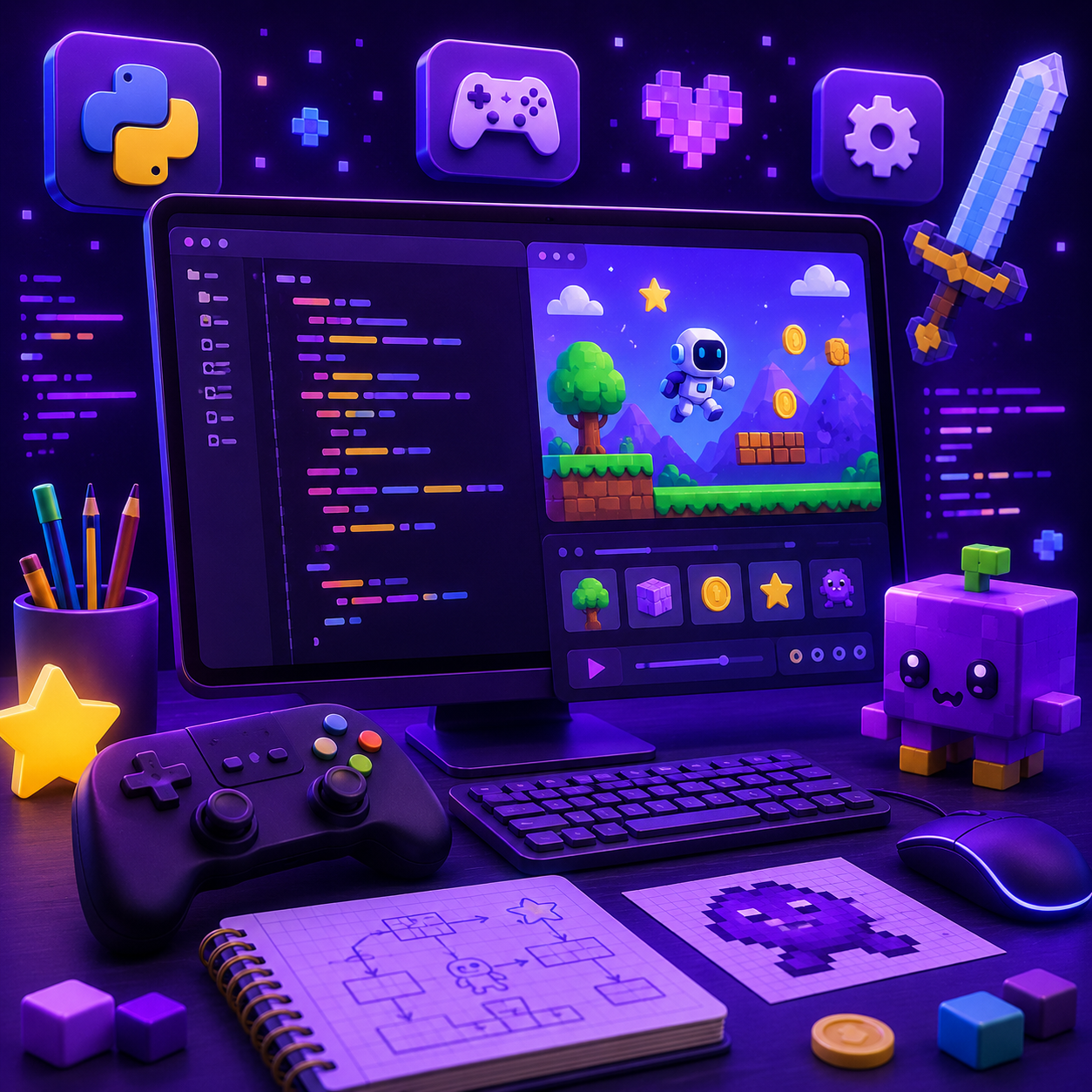
Game Development
Build six arcade games you can really play, like Snake and Brick Breaker. Learn movement, scores, and game rules in real Python.
What is Game Development?
Make games you can really play, from the game loop to the final level.
What you'll learn
- ▸Code real game rules
- ▸Draw your game on the screen
- ▸Handle movement, crashes, and scores
- ▸Share a game your friends can play
Who it's for
You, if you love games and want to make them, not just play them.
Where it leads
Making games teaches logic, physics, and design at once. It's a fun path into coding, animation, and more.
Try it yourself.
You write real code, and Nova, your AI mentor, helps you through each challenge.
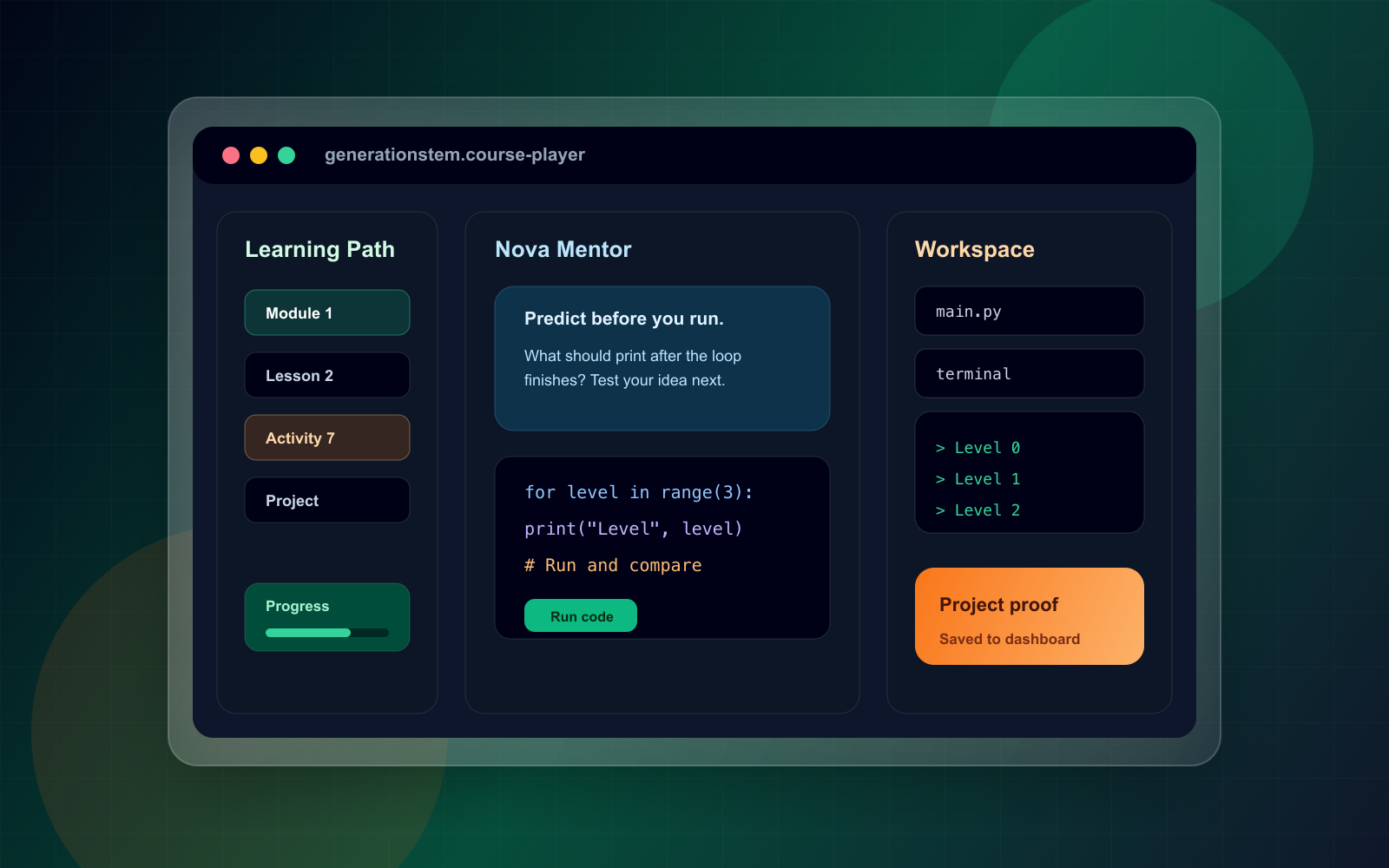
Lesson 1, Activity 4. Only available on a tablet or computer.
Your path, from first line to final project.
8 modules, and each one builds on the last.
Build the game heartbeat, then catch falling cupcakes.
You'll learn: draw() and play(), held keys, and touches()
Real skills, with their real names.
You learn the words real coders use, and you build something with each one.
Here's what you build by Module 1 (Cupcake Catch).
Finish the course. Earn the certificate.
Finish the course and you get a Certificate of Completion. Print it out and put it on your wall! It shows you built the whole thing yourself.

What students say.
my game!!
i have a real game that i made and i can play it. thats it thats the review
snake. the tail is literally just a list. genius
asteroid patrol is sick
the lasers took me forever to get working but when they finaly fired i actually yelled. my mum came in to check if i was ok
OK so this course has six games in it and I thought that meant six tiny things but they are actual games. My favorite is Paddle Ball because its two player and me and my little brother play it for real now. I changed it so you need 10 points to win instead of 5 because 5 was over too fast. The hardest one for me was Sky Hopper. My bird kept flying up forever and never coming back down and I didnt get why for like two days. It was one number. ONE. Anyway its fixed now and I'm on the asteroid one.
I MADE SNAKE!!!!
fun but brick breaker goes on forever
Really enjoyed it and all the games work. Brick Breaker is 4 whole lessons though and I got kind of sick of it by the end, I just wanted to get to the space one. Sky Hopper only gets 2 lessons and thats the one I wanted more of.
Ready to start Game Development?
One plan unlocks every course, Nova, and your certificates.
Plans from $149 for 6 months · 30-day money-back guarantee