
Computational Thinking for Kids: The Problem-Solving Skill Behind Coding and AI
Computational thinking for kids is not just another education buzzword. It is the habit of breaking problems down, finding patterns, designing steps, testing ideas, and explaining decisions clearly.
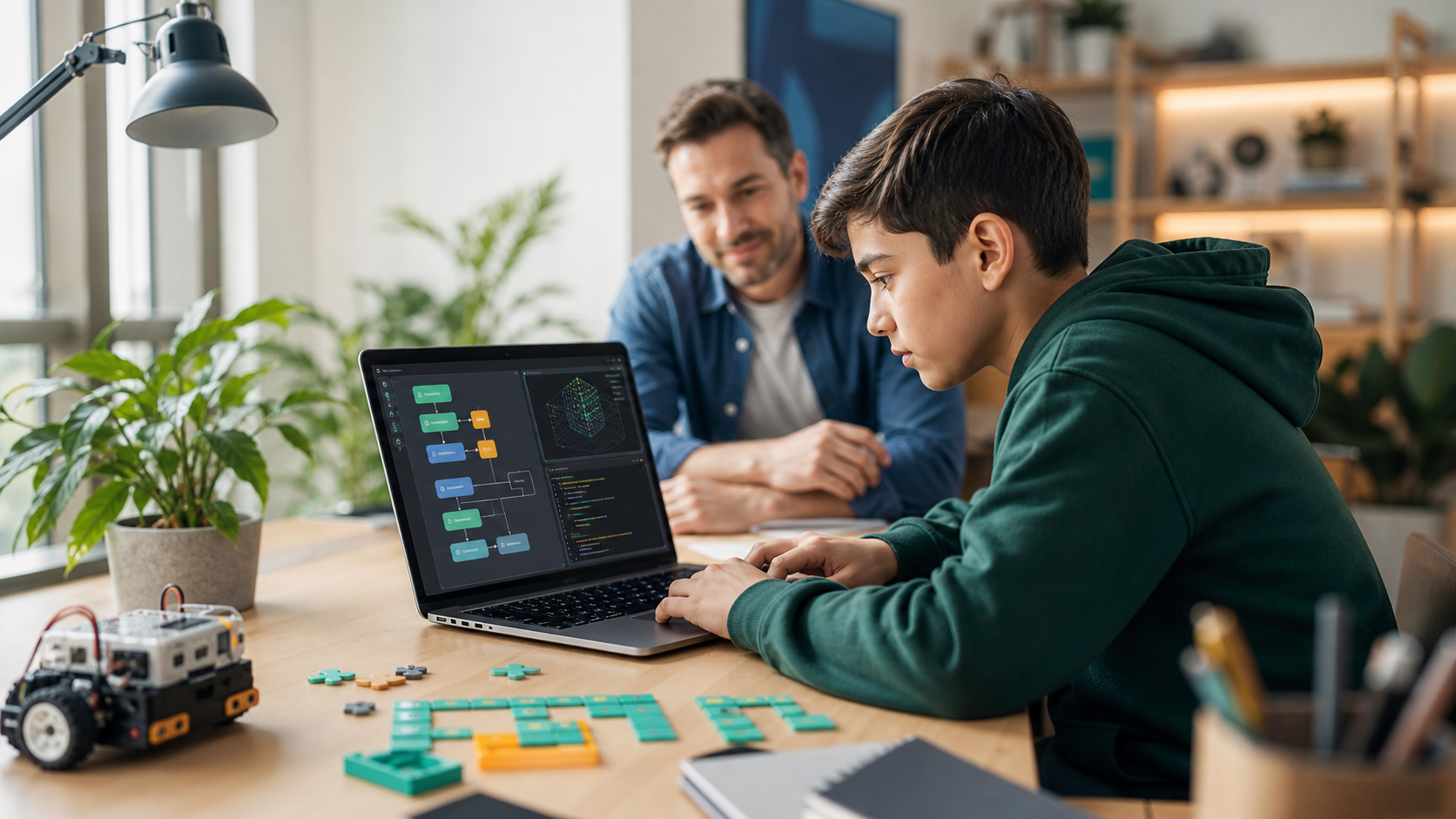
Computational thinking for kids is one of the most useful ideas in modern STEM education, but it is often explained badly.
It does not mean turning children into computers or pushing advanced coding before a student is ready.
Computational thinking is the habit of solving problems in a structured way. A student learns to break a challenge into smaller pieces, notice patterns, remove distractions, design steps, test what happened, and explain the reasoning behind a solution.
That matters more in the AI era, not less.
AI tools can now produce code, summarize information, and suggest answers quickly. But they do not remove the need for human judgment. A child who cannot define the problem, check the output, or explain the plan is still dependent on the tool. A child who can think computationally is much better prepared to use coding, AI, robotics, data, and digital tools with purpose.
The World Economic Forum Future of Jobs Report 2025 lists skills such as analytical thinking, creative thinking, technological literacy, AI and big data among the important skills for the next several years. Education groups are moving in the same direction. The K-12 Computer Science Framework describes a future where students are not only computer users, but computationally literate creators. In 2026, ISTE+ASCD and Google announced AI literacy training for millions of educators, with an emphasis on pedagogy, ethics, and critical thinking.
For parents comparing coding classes for kids, Python for Kids, AI classes for kids, or broader online STEM classes, computational thinking is the foundation underneath the tools. The language may change. The habit of thinking clearly does not.
Quick Answer: What Is Computational Thinking For Kids?
Computational thinking for kids means using the core problem-solving habits behind computer science in an age-appropriate way.
The main habits are:
- Decomposition: breaking a problem into smaller parts.
- Pattern recognition: noticing what repeats or behaves similarly.
- Abstraction: focusing on what matters and ignoring what does not.
- Algorithm design: creating clear steps that can be followed.
- Debugging: testing a plan, finding errors, and improving it.
- Evaluation: deciding whether the solution actually works.
A child can practice computational thinking while coding a Python game, planning a robot route, organizing a science experiment, making a chore routine, or debugging why a recipe did not turn out correctly.
Coding is one powerful way to practice it because code is unforgiving in a useful way. If the steps are unclear, the program fails. If a pattern is misunderstood, the output changes. If the student cannot explain the logic, debugging becomes guesswork.
But computational thinking is bigger than coding. It is the thinking process that helps coding make sense.
Why Computational Thinking Matters More When AI Can Write Code
Parents often ask a fair question: if AI can write code, should kids still learn the thinking behind code?
Yes. In fact, AI makes computational thinking more important.
An AI coding assistant can suggest a function. It can explain an error message. It can generate a starter version of a project. But a student still needs to decide:
- What problem are we solving?
- What should the program do first?
- What information does it need?
- What should happen when something goes wrong?
- How will we test whether the answer is correct?
- What should we change if the result is close but not right?
Those are computational thinking questions.
Without those habits, AI becomes a vending machine for answers. With those habits, AI becomes a tool students can question, test, and improve.
This is why computational thinking connects naturally to AI literacy for kids and prompt engineering for kids. Prompting helps students ask better questions. Computational thinking helps them decide what the question should be, what constraints matter, and how to evaluate the result.
For example, "make me a game" is weak. A stronger version asks AI to help plan the rules, list the player and computer steps, and avoid writing the full code until the student understands the logic. That protects learning because the student is designing the system before asking for code.
The Five Core Skills Kids Should Practice
Computational thinking becomes easier to teach when parents can name the parts.
1. Decomposition: Break The Problem Down
Decomposition means turning a large problem into smaller, manageable pieces.
If a child wants to build a quiz game, the project can feel overwhelming. Decomposition turns it into parts:
- Store the questions.
- Show one question at a time.
- Get the player's answer.
- Check whether the answer is correct.
- Track the score.
- Show a final message.
Each part is easier to understand than "build a quiz game." This is a major reason project-based coding works well for kids. It gives students a reason to organize their thinking.
At home, parents can build this habit with simple language:
"What are the smaller parts of this problem?"
"What should happen first?"
"Which part do you already understand?"
Those questions are more useful than jumping straight to the answer.
2. Pattern Recognition: Notice What Repeats
Pattern recognition means spotting similarities, repetitions, and rules.
In coding, a student might notice that a game repeats the same action for every round. That pattern points toward loops. In math, a student might notice that a table changes by the same amount each step. In writing, a student might notice that every strong paragraph needs a claim, evidence, and explanation.
Pattern recognition helps kids avoid solving every problem from scratch.
For example, if a student has already built a guessing game, a chatbot-style question game may not be completely new. Both have input, feedback, repeated attempts, and a result. Once students see that pattern, they begin transferring knowledge between projects.
That transfer is where real learning becomes visible.
3. Abstraction: Focus On What Matters
Abstraction is the skill of leaving out details that are not important yet.
This is hard for kids because interesting details are distracting. If a student is designing a pet simulator, they may want colors, names, animations, accessories, sound effects, and a store. Those details can matter later. But the first computational question is simpler:
What state does the pet have, and how does that state change?
Maybe the pet has hunger, happiness, and energy. Feeding increases hunger score. Playing increases happiness. Sleeping restores energy. That is the useful abstraction.
Abstraction teaches students to ask:
- What information do we need?
- What can we ignore for now?
- What rule controls the behavior?
- What is the simplest version that still works?
This is also a strong AI-era skill. When students use AI tools, they need to know what context matters and what private or irrelevant information should stay out of the prompt.
4. Algorithm Design: Create Clear Steps
An algorithm is a set of steps for solving a problem.
For kids, the word does not need to feel intimidating. A morning routine is an algorithm. A recipe is an algorithm. Directions to a friend's house are an algorithm. A Python program is an algorithm written in a language the computer can run.
The useful question is:
"Could someone else follow these steps and get the same result?"
Students often discover that their first instructions are vague. "Get ready for school" is not a clear algorithm. "Put on socks, put on shoes, zip backpack, check water bottle, leave by 7:40" is clearer.
In coding, unclear steps become bugs. That makes code a practical training ground for precision.
5. Debugging And Evaluation: Test, Fix, Explain
Debugging is not only fixing broken code. It is the habit of comparing what happened with what was supposed to happen.
A strong young problem solver can say:
- I expected this.
- I got that.
- The difference may be here.
- I will test one change.
- Now I can explain what improved.
This is where many kids need encouragement. Debugging can feel like failure if the learning environment treats mistakes as something to avoid. In technical work, mistakes are data.
The goal is not to make children perfectly patient. The goal is to give them a repeatable recovery pattern.
This is why a well-designed coding path should not simply hand students answers. It should help them read errors, test small changes, and explain what they learned.
Computational Thinking Examples By Age
Computational thinking can start before formal programming, but the activities should match the child's maturity.
Ages 6-8: Sequencing And Simple Rules
Younger children can practice:
- Giving step-by-step directions.
- Sorting objects by attributes.
- Finding patterns in shapes, sounds, or routines.
- Explaining what should happen first, next, and last.
- Creating simple "if this, then that" rules.
Example: ask your child to give instructions for drawing a simple shape. Follow the instructions exactly. If they miss a step, pause and ask what the instruction should say. This makes precision visible without needing a computer.
Ages 8-12: Beginner Coding And Project Logic
This is a strong age range for beginner coding because students can start connecting abstract logic to visible outcomes.
They can practice:
- Variables as named pieces of information.
- Loops as repeated actions.
- Conditionals as decisions.
- Functions as reusable chunks.
- Debugging by changing one thing at a time.
This is where Python for Kids can be especially useful. Python has readable syntax, so students can focus more attention on logic and less on punctuation-heavy language mechanics.
Example project: build a scorekeeper for a game. The student decides what score starts at, when it changes, what counts as a win, and what message appears at the end.
That small project includes decomposition, variables, conditionals, testing, and explanation.
Ages 13-18: Systems, Data, AI, And Real Projects
Teens can take computational thinking into more realistic projects:
- Websites with multiple pages and interactions.
- Data projects that compare trends.
- AI mini tools with input, output, and evaluation.
- Cybersecurity labs with evidence and responsible reporting.
- Portfolio projects that show planning, iteration, and reflection.
At this stage, the question is not only "Does it work?" It is also:
- Who is the user?
- What can go wrong?
- How should errors be handled?
- What data is needed?
- What should stay private?
- How would someone else understand this project?
Those questions connect technical work to judgment.
For students building visible proof of skill, computational thinking also strengthens a coding portfolio for teens. A portfolio is more convincing when the student can explain decisions, tradeoffs, and improvements.
Computational Thinking Activities Parents Can Try At Home
Parents do not need a computer science degree to encourage this skill.
Try these low-pressure activities:
Ask "What Is The Smallest Version?"
When a child has a big project idea, ask for the smallest version that would still count.
If they want to build an app that tracks chores, the smallest version might be a list of three chores with checkboxes. If they want to build a game, the smallest version might be one player, one goal, and one scoring rule.
This teaches scope control, which is one of the most important real-world technical skills.
Use Prediction Before Running
Before a child runs code, tests a robot, or asks AI for help, ask:
"What do you think will happen?"
Prediction turns the student from a button-clicker into an investigator. If the prediction is wrong, that is useful. Now there is something to analyze.
Compare Two Solutions
Give the child two possible solutions and ask which is clearer, simpler, or easier to test.
For example, should a quiz program store questions in separate variables or in a list? Should a website repeat the same style rules or use one reusable class?
The goal is not to force professional answers. The goal is to build the habit of comparison.
Make A Debugging Log
For longer projects, ask students to keep a simple log:
- What I tried.
- What happened.
- What I changed.
- What I learned.
This is useful for coding, robotics, science fair projects, and AI experiments. It also makes progress visible to parents.
Explain The Rule In Plain English
If a child cannot explain the rule, they may not understand the code yet.
Ask:
"What rule is the computer following here?"
"What would happen if the number were different?"
"What part controls the decision?"
Plain-English explanation is one of the best signs that a student is building real understanding instead of memorizing steps.
How Computational Thinking Connects To Coding Classes
Good coding classes for kids should teach more than syntax.
Syntax is necessary. Students need to know where parentheses go, how variables work, and what a loop looks like. But syntax alone does not make a strong young programmer.
The deeper value of coding is that it gives students a structured place to practice thinking.
A strong coding class should include:
- Projects with clear goals.
- Short lessons that build progressively.
- Frequent prediction and testing.
- Debugging support that does not immediately reveal the answer.
- Opportunities for students to explain their reasoning.
- Age-appropriate challenge without chaos.
- Visible outcomes parents can inspect.
This is the difference between passive screen time and productive technical learning. A child watching coding videos may recognize terms. A child building projects must make decisions.
If your family is evaluating online STEM classes, look for the learning loop: learn a concept, apply it, test it, debug it, explain it, and then use it in a slightly more complex situation.
That loop is where computational thinking becomes durable.
Common Mistakes Parents Should Avoid
Computational thinking is powerful, but it should not become a dry vocabulary lesson. Kids understand decomposition better by breaking a game into parts than by reading a definition ten times.
Parents should also be careful with advanced tools. Professional environments can be exciting, but too much setup can hide the learning goal. For beginners, a browser-based workspace often keeps attention on logic, testing, and explanation.
AI needs similar boundaries. Ask the student to predict, plan, or explain before using AI for help. Then use AI for hints, examples, or feedback rather than instant finished answers.
Finally, do not measure only polished output. A half-working project with a clear debugging log may show more learning than an AI-generated app the student cannot explain. Ask what decision they made, what bug they fixed, and what they would improve next.
What To Look For In A Computational Thinking Program
If you are choosing a STEM or coding program, look for signs that students are being taught to reason.
A strong program should help students:
- Build real projects, not only complete worksheets.
- Use code to express logic clearly.
- Debug with guided hints.
- See connections between coding, AI, data, and robotics.
- Explain what their project does in plain language.
- Progress through a pathway rather than random disconnected activities.
- Develop confidence without being pushed into professional complexity too early.
Generation STEM is designed around that kind of learning path: browser-based workspaces, Nova AI guidance, project-based courses, parent-visible progress, and technical subjects that connect over time.
For many families, the best starting point is coding classes for kids or Python for Kids. For students already asking about AI, AI classes for kids can help connect prompting, evaluation, and responsible use back to builder habits.
FAQ: Computational Thinking For Kids
What is computational thinking in simple terms?
Computational thinking is a problem-solving method. Kids learn to break a problem into smaller parts, find patterns, create clear steps, test their solution, and improve it when something goes wrong.
Is computational thinking the same as coding?
No. Coding is one way to practice computational thinking, but computational thinking is broader. It can also show up in robotics, data projects, science experiments, routines, puzzles, and AI use.
What age should kids start computational thinking?
Kids can start with simple sequencing and pattern activities around ages 6-8. Many students are ready for beginner coding projects around ages 8-12. Teens can apply computational thinking to websites, AI tools, cybersecurity labs, data projects, and portfolio work.
Does my child need strong math skills first?
Not necessarily. Some math helps, especially with patterns and logic, but kids do not need advanced math before learning beginner coding. If you are unsure, read our guide on math for coding kids.
How does computational thinking help with AI?
Computational thinking helps students ask better questions, define constraints, evaluate AI answers, test outputs, and explain decisions. It makes AI use more active and less passive.
What is a good first project for computational thinking?
A quiz game, guessing game, scorekeeper, simple animation, robot path, or chore tracker can work well. The best first project is small enough to finish and clear enough for the student to explain.
Suggested Related Articles
- Python Projects for Kids: Beginner Ideas That Build Real Coding Skill
- Prompt Engineering for Kids: How to Ask AI Better Questions Without Replacing Thinking
- AI Literacy for Kids: The Chatbot Rules Parents Should Teach First
- Productive Screen Time for Kids: What Parents Should Look For
- Future-Proof Skills for Kids: What Matters Most in the AI Era
Start Building Real Problem-Solving Skill
Computational thinking is not a trend to memorize. It is a practical habit kids build by doing.
When students write code, test ideas, debug mistakes, and explain how a system works, they are learning more than a programming language. They are learning how to approach complex problems with structure.
That is the skill parents should be looking for in modern technical education.
Explore Generation STEM coding classes for kids, start with Python for Kids, or compare broader online STEM classes to help your child turn screen time into real builder confidence.