
Python Automation Projects for Teens: Useful Scripts That Build Real Skill
Python automation projects help teens move beyond syntax practice into useful scripts they can test, explain, and improve.
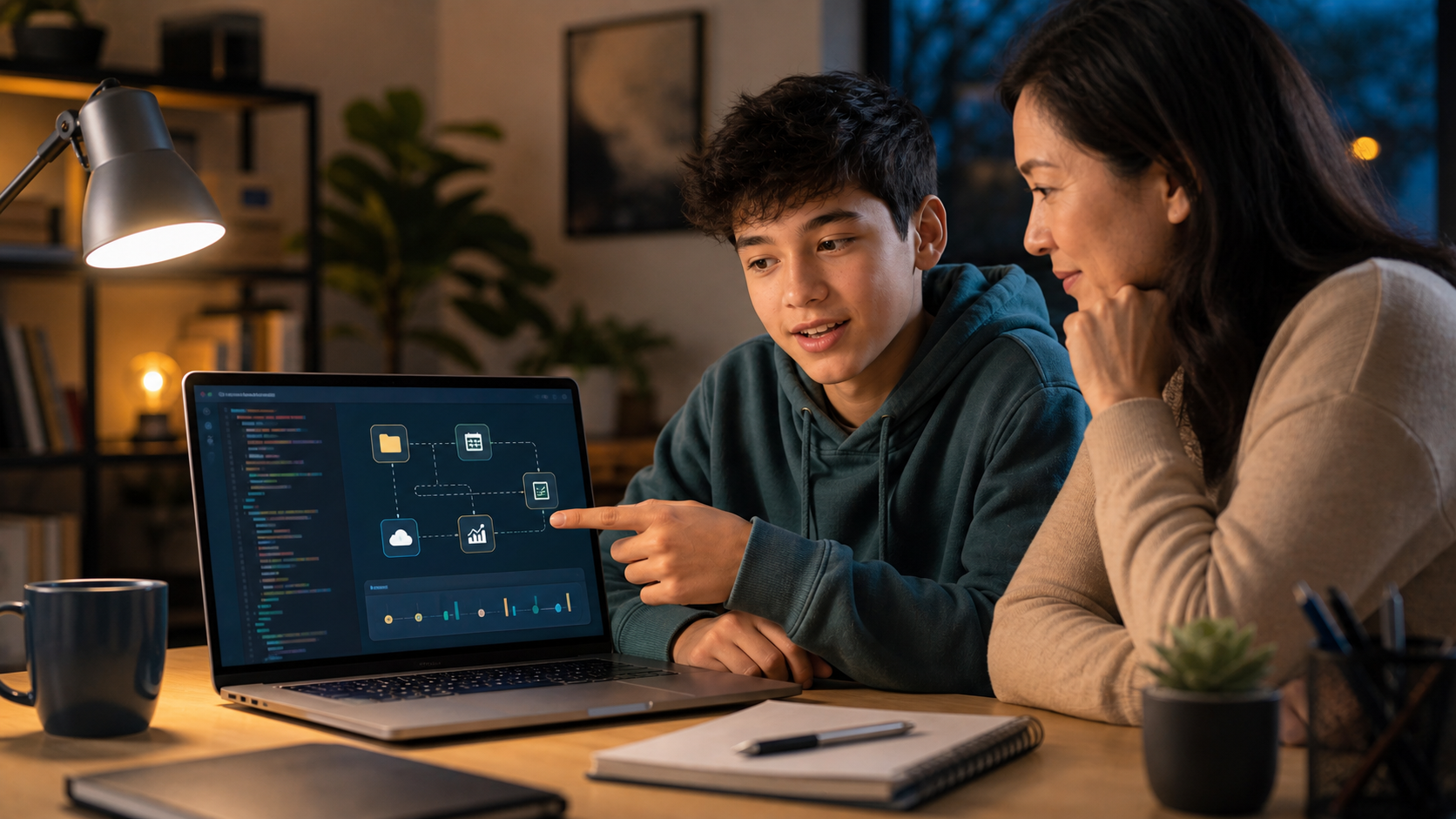
Python automation projects for teens are small programs that save time, organize information, check data, or connect tools together. They are one of the best next steps after beginner Python because the student is no longer only practicing syntax. They are building scripts that do useful work, can be tested with real examples, and can be explained to another person.
That makes automation a strong bridge between beginner coding and serious technical confidence. A teen might rename messy files, clean a spreadsheet, summarize a reading list, check a folder for missing assignments, generate a study schedule, or pull data from a public API. The project does not need to be huge. It needs a clear job, a repeatable input, a tested output, and a student who can explain the logic.
For parents comparing Python for Teens, broader coding classes for kids, or a longer learning track, automation is worth watching closely. It shows whether a student can use code as a practical tool, not just complete isolated exercises.
Quick Answer: What Are Good Python Automation Projects for Teens?
Good Python automation projects for teens are useful, safe, and specific. Strong beginner options include a file organizer, homework tracker, grade calculator, reading-log cleaner, calendar reminder generator, password-strength checker, budget categorizer, public-data fetcher, or personal study planner.
The best projects share five traits:
- They solve a real but low-risk problem.
- They use data the student is allowed to handle.
- They have inputs and outputs that can be checked.
- They include edge cases, such as empty fields or duplicate names.
- They end with a short explanation of what the script does and what could go wrong.
That last point matters. A polished script is not enough. The teen should be able to say, "Here is what my program expects, here is how I tested it, here is one limitation, and here is what I would improve next."
Why Automation Is a Strong Teen Python Milestone
Many students start Python with print statements, loops, conditionals, functions, and small games. Those are useful foundations. But teens often become more motivated when Python begins to feel connected to real life.
Automation creates that connection. It answers a practical question: what annoying, repetitive, or error-prone task could a program handle?
That shift builds several skills at once:
- Problem decomposition: turning a messy task into smaller steps.
- Data literacy: noticing formats, fields, missing values, and naming patterns.
- Testing: checking whether the script works across normal and unusual examples.
- Debugging: reading errors, inspecting variables, and fixing assumptions.
- Communication: explaining the workflow to a parent, teacher, or future reviewer.
- AI-era judgment: knowing when an AI suggestion still needs verification.
Automation also gives teens a more mature reason to learn syntax. A loop is not just a loop. It is how the script checks every file in a folder. A conditional is not just an exercise. It is how the program decides whether a task is overdue, a row is incomplete, or a password is too weak.
What Parents Should Know Before Choosing a Project
The right automation project is not the one with the most advanced library. It is the one with the clearest learning loop.
Before a teen starts, ask four questions:
- What task will this script make easier?
- What information will it read or create?
- How will we know the output is correct?
- What should the script refuse to do?
That fourth question is especially important. Automation should not encourage risky shortcuts. Teens should avoid scripts that scrape private accounts, bypass school systems, collect other people's data, spam messages, guess passwords, automate purchases, or run commands they do not understand.
Safe projects use owned files, fictional data, public datasets, or parent-approved examples. The point is to learn technical thinking, not to automate around rules.
9 Python Automation Projects for Teens
| Project | Main skills | Best fit |
|---|---|---|
| File organizer | Loops, paths, naming rules | Beginner |
| Homework tracker | Dates, lists, conditionals | Beginner |
| Grade calculator | Functions, validation, averages | Beginner |
| Reading-log cleaner | CSV files, strings, data cleanup | Beginner-intermediate |
| Study schedule builder | Dates, planning logic, exports | Intermediate |
| Password-strength checker | Rules, feedback, security thinking | Beginner-intermediate |
| Budget categorizer | CSV data, categories, summaries | Intermediate |
| Public-data fetcher | APIs, JSON, error handling | Intermediate |
| Portfolio project reporter | Markdown, summaries, documentation | Intermediate |
1. Build a File Organizer
A file organizer scans a folder and sorts files into categories such as images, PDFs, notes, code files, and archives. It can also rename files using a consistent pattern.
This is a strong first automation project because the concept is visual. Teens can create a test folder with sample files, run the script, and immediately inspect what happened.
Keep the first version safe: copy files into new folders instead of moving or deleting originals. Add a preview mode that prints what the script would do before it makes changes.
Portfolio evidence: before-and-after folder screenshots, sample file names, the rules used for sorting, and a note about why preview mode matters.
2. Create a Homework Tracker
A homework tracker stores assignments, due dates, status, and priority. The script can print what is due today, what is overdue, and what should be started next.
The technical value comes from date handling and decision rules. A teen learns that "due soon" needs a definition. Is it tomorrow? Three days? Before the weekend? Those choices become logic.
Start with a small list in the code, then move to a simple CSV file when the student is ready.
Portfolio evidence: sample assignment data, output for overdue tasks, output for future tasks, and one test showing how the script handles a missing due date.
3. Program a Grade Calculator
A grade calculator can compute averages, weighted categories, or "what score do I need?" scenarios. It is useful because the math is familiar but the edge cases are real.
Students should validate inputs carefully. What happens if a score is blank? What if a percentage is over 100? What if the weights do not add up to 100?
This project teaches a lesson many beginners miss: user input cannot be trusted just because the user meant well.
Portfolio evidence: formulas, input checks, three sample scenarios, and a short explanation of how weighted grades differ from simple averages.
4. Clean a Reading Log or Research List
A reading-log cleaner takes a CSV file with titles, authors, dates, categories, or notes and improves consistency. It might trim extra spaces, standardize capitalization, remove duplicate rows, or count entries by topic.
This is a practical introduction to data work. Teens learn that real data is often messy before analysis begins.
Use fictional or self-owned data. Avoid importing private school records or other people's information.
Portfolio evidence: a small messy CSV, cleaned output, duplicate detection rules, and a summary table.
5. Generate a Study Schedule
A study schedule builder turns a list of topics, deadlines, and available study days into a plan. It can spread work across a week, reserve review time, and flag overloaded days.
This project encourages planning logic. The script must make decisions: which topic comes first, how long each topic takes, and what happens when there are more tasks than available time.
Keep the first version simple. A useful command-line planner is better than an overbuilt app that the student cannot maintain.
Portfolio evidence: input topic list, generated schedule, overload warning, and one improvement idea for a future version.
6. Make a Password-Strength Checker
A password-strength checker evaluates fictional or test passwords against rules such as length, variety, repeated characters, and common patterns. It should give educational feedback without storing real passwords.
This project connects Python with cybersecurity thinking. Teens learn that security tools should be careful about what they collect and display.
The script should say "use a unique passphrase and a password manager" rather than pretending a simple score makes a password safe forever.
Portfolio evidence: rule list, sample test passwords, clear user warnings, and a note that real passwords should not be saved in the script.
7. Categorize a Simple Budget
A budget categorizer reads fictional transactions from a CSV file and groups them into categories such as food, books, transit, entertainment, or savings. It can total each category and print a basic summary.
The point is not financial advice. The point is data classification. Students learn that category rules can be imperfect. A store name may fit more than one category. A missing description may require manual review.
This is a good stepping stone toward algorithmic trading and finance because it teaches careful handling of numbers, labels, and assumptions before students touch market-style data.
Portfolio evidence: fictional transaction file, categorization rules, category totals, and examples marked for review.
8. Fetch Public Data From an API
An API project asks a script to request approved public data, parse the response, and present a smaller answer. Examples include weather observations, public event listings, open data portals, or astronomy data.
This is where teens begin to see software as connected systems. The script must handle failed requests, missing fields, slow responses, and changing data formats.
Avoid projects that require private API keys at first. If a key is needed later, the student should learn why secrets do not belong directly in shared code.
Portfolio evidence: source URL, example response shape, parsed output, error handling, and a note about not exposing API keys.
9. Create a Portfolio Project Reporter
A portfolio project reporter turns a folder of project notes into a simple Markdown summary. It might collect project titles, dates, skills practiced, bugs fixed, and next steps.
This project helps teens learn a hidden professional habit: documenting work. A student who can describe a project clearly is more credible than a student who only shows a screenshot.
Pair this with a broader coding portfolio for teens plan so each project leaves behind evidence of learning.
Portfolio evidence: generated Markdown report, project metadata, bug-fix notes, and a short reflection on what the student learned.
How Teens Should Use AI on Automation Projects
AI coding assistants can be helpful on automation projects because they can explain errors, suggest library functions, or generate small examples. But they can also make a teen look more advanced than they are.
Use this standard: AI can help, but the teen owns the test.
A productive workflow looks like this:
- Write the task in plain English.
- Create a tiny manual example.
- Try the first version independently.
- Ask AI for a hint or explanation when stuck.
- Test the suggestion on the tiny example.
- Change the code so the student can explain it.
- Record one bug and how it was fixed.
The weak workflow is "ask AI to write the whole script, run it once, and call it done." That may produce output, but it does not produce durable skill.
For a deeper parent framework, read AI coding assistants for kids and debugging for kids in the AI era.
A Simple Project Plan Parents Can Use
Week 1: Pick a Real Task
Choose one narrow task from the student's life or interests. "Organize my downloads folder preview" is better than "automate my computer." "Clean a reading log" is better than "make a data science app."
Write the input and output before coding. Example: "The script reads a folder of files and prints a list of where each file should go."
Week 2: Build the Smallest Version
Start with hard-coded sample data or a tiny test folder. The first version should prove the logic before adding complexity.
Students should run the code often. If they wait until the end, they create a larger debugging problem than necessary.
Week 3: Add Edge Cases
Now test the awkward situations: duplicate file names, blank rows, bad dates, empty folders, missing scores, or unexpected categories.
This is where real learning happens. A program that only works for the perfect example is not finished.
Week 4: Explain and Improve
Ask the teen to create a short README or project note:
- What does the script do?
- What input does it expect?
- How did you test it?
- What is one limitation?
- What would you improve next?
This turns the automation into portfolio evidence rather than a disposable exercise.
Parent Decision Criteria: Is This a Good Python Class?
If you are evaluating a Python course for a teen, look for more than language coverage. Automation reveals whether the course teaches useful technical habits.
Strong programs should include:
- real coding in a runnable environment;
- projects with visible inputs and outputs;
- debugging and testing expectations;
- age-appropriate AI support;
- explanations, not just completed screens;
- pathways from Python into web, AI, cybersecurity, data, finance, or biotech;
- parent-visible progress and outcomes.
Be cautious if a program relies mostly on videos, gives answers too quickly, or celebrates projects the student cannot explain. Teen learners need enough structure to make progress and enough ownership to build confidence.
Generation STEM's Python for Teens path is designed around practical programs, debugging habits, and real-world readiness. Students can then move toward advanced tracks such as web development, ethical hacking, algorithmic trading, or biotech when they are ready for a deeper domain.
Student Outcomes to Look For
By the end of a good automation project, a teen should be able to:
- describe the problem the script solves;
- identify the input, output, and main steps;
- run the program on more than one example;
- explain one bug or edge case;
- describe what AI helped with, if AI was used;
- name one safety or privacy boundary;
- propose a realistic next version.
Those outcomes are more valuable than a flashy demo. They show that the student is beginning to think like a builder.
FAQ: Python Automation Projects for Teens
What is a Python automation project?
A Python automation project is a script that handles a repetitive or structured task, such as organizing files, cleaning data, creating reminders, checking inputs, or summarizing information.
Is Python good for teen automation projects?
Yes. Python is readable enough for beginners while still powerful enough for files, data, APIs, testing, and real-world scripting. That makes it a strong language for teens who are ready to move beyond toy examples.
What is the easiest Python automation project for a beginner?
A safe file organizer or homework tracker is usually a good first project. Both have clear inputs, visible outputs, and simple rules that can grow over time.
Should teens use AI to write automation scripts?
Teens can use AI for hints, explanations, examples, and test ideas, but they should not keep code they cannot explain or verify. The student should own the testing and final decisions.
Are automation projects safe for students?
They can be safe when scoped carefully. Teens should use owned or fictional data, avoid private accounts, avoid scripts that bypass rules, and never run commands they do not understand.
How can parents tell whether a teen really learned from the project?
Ask the teen to explain the input, output, main logic, one bug, one test, and one limitation. If they can explain those clearly, the project likely built real understanding.
The Bottom Line
Python automation projects help teens see code as a practical tool. They build confidence because the student can make something useful, test it, and improve it. They also build maturity because automation forces students to think about data, edge cases, safety, and explanation.
For families choosing a next step, look for Python learning that goes beyond syntax drills. The strongest path helps students build useful scripts, debug thoughtfully, and connect those skills to future technical fields.
Explore Python for Teens, compare Generation STEM learning tracks, or review family plans when your teen is ready to turn beginner Python into real technical confidence.