
Homeschool STEM Curriculum: How to Add Coding and AI Without Becoming the Tech Expert
A practical guide for homeschool and enrichment families who want coding, AI literacy, and project-based STEM learning without turning parents into full-time tech instructors.
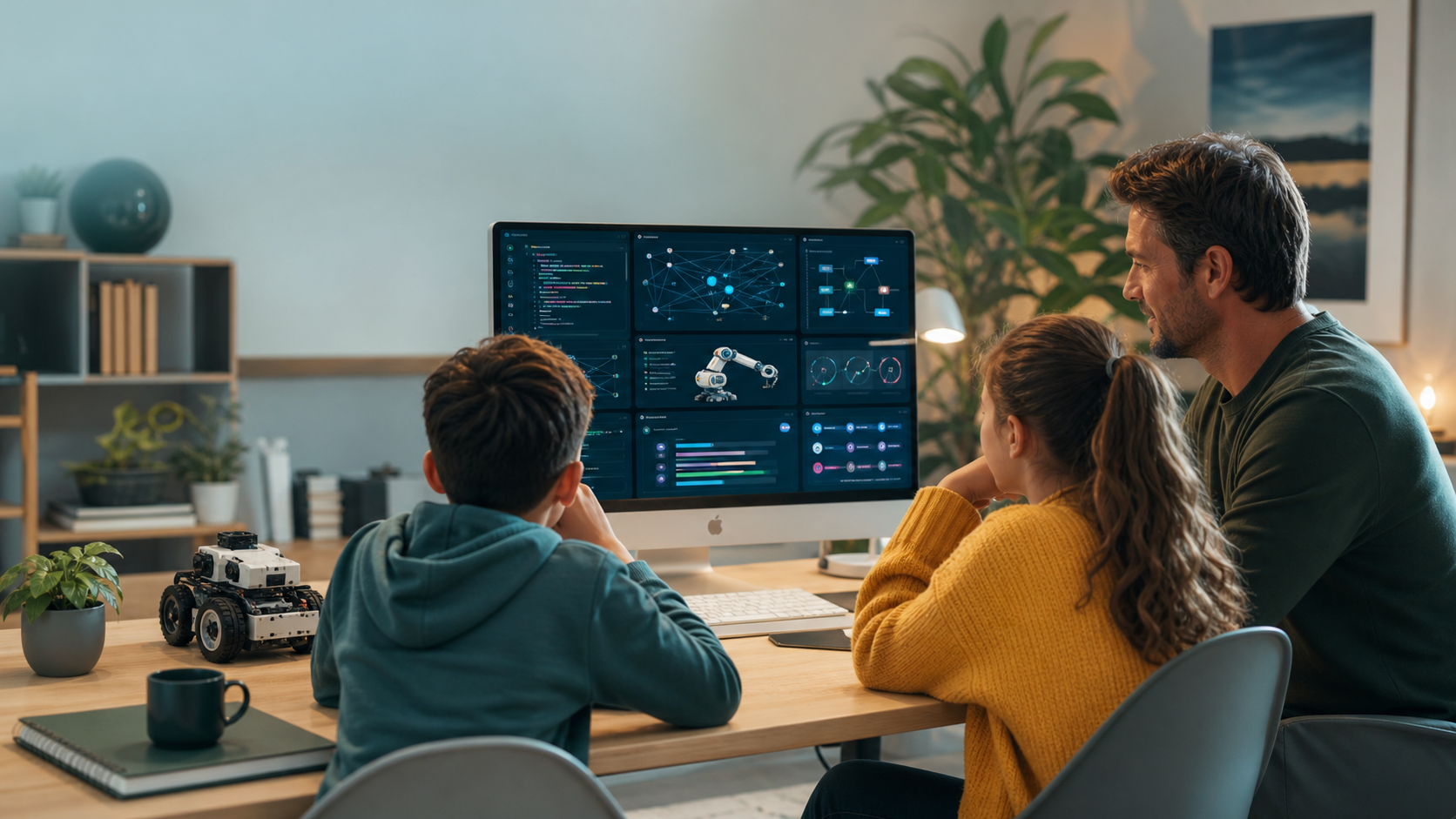
Homeschool STEM curriculum has changed. A few years ago, a strong at-home plan might have meant math, science experiments, robotics kits, and maybe a beginner coding app. In 2026, parents are asking something more specific: how do we teach coding, AI literacy, technical problem solving, and real project skills without turning the parent into a full-time computer science teacher?
Johns Hopkins Institute for Education Policy reported in April 2026 that 88% of homeschooling parents use supplemental resources or supports. That fits what many families already know: modern homeschooling is often a curated mix of parent-led learning, outside instruction, digital tools, local community, and independent projects.
STEM belongs in that mix. But it should not become a pile of disconnected apps.
A good homeschool STEM curriculum helps students build durable technical confidence. They should learn how code works, how AI tools should be questioned, how data can be inspected, and how digital projects are designed. They do need a modern foundation for the world they are growing into.
For families comparing online STEM classes, coding classes for kids, AI classes for kids, or Python for Kids, the goal is not to outsource curiosity. The goal is to give students structure, momentum, and feedback so screen time becomes visible skill.
Quick Answer: What Should A Homeschool STEM Curriculum Include?
A homeschool STEM curriculum should include five connected parts:
- Core math and science concepts.
- Coding fundamentals through a real language or age-appropriate transition path.
- AI literacy: safe use, verification, privacy, limits, and responsible prompting.
- Project-based learning where students build, test, debug, and explain artifacts.
- Reflection and documentation so parents can see what the student understands.
For coding specifically, a homeschool plan should move students toward concepts that transfer:
- Sequencing and step-by-step instructions.
- Variables and data.
- Conditionals and decisions.
- Loops and repeated actions.
- Functions and reusable logic.
- Debugging and testing.
- User input and interface thinking.
- Responsible AI assistance.
The parent does not need to master every programming language. The parent's role is to set the learning rhythm, ask good explanation questions, choose credible resources, and make sure the student is building rather than passively clicking.
Why Homeschool STEM Feels Different In 2026
The pressure on STEM learning has increased because technology is no longer a separate subject. AI tools now show up in homework, search, creative work, coding tools, workplace conversations, and school policy debates.
Pew Research Center reported in February 2026 that 54% of U.S. teens say they have used chatbots for schoolwork, and 64% of teens report using AI chatbots at all. Teens are not waiting for a perfect curriculum before they experiment with AI. They are already meeting it in the wild.
That creates two risks for homeschool and enrichment families.
The first risk is avoidance. A family may decide AI and coding are too complicated, too fast-moving, or too screen-heavy. That may feel safer, but it can leave students without the language and judgment they need.
The second risk is overexposure without structure. A student gets access to AI tools, coding websites, tutorials, and downloadable projects, but no coherent pathway. They may appear busy while skipping the deeper habits: reading instructions, predicting behavior, checking answers, debugging, documenting, and finishing.
The middle path is stronger: builders with guardrails.
STEM Is Not Just Science Experiments
Science experiments matter. Robotics kits matter. Math matters. But a modern homeschool STEM curriculum should also help students understand digital systems.
That includes understanding:
- Software instructions.
- Websites and app behavior.
- Data collection and interpretation.
- AI strengths, failures, bias, hallucinations, and limits.
- Cybersecurity habits for accounts and privacy.
- Engineering cycles: planning, testing, failure, and revision.
This is why coding works well as a spine for homeschool STEM. Coding gives students a concrete place to practice abstract thinking. A loop is not only a vocabulary word. It can move a character, repeat a quiz question, process a list, or update a score.
When students code, they see cause and effect. They test small changes. They learn that "not working" is not a disaster; it is information. That mindset transfers into science, math, robotics, design, entrepreneurship, cybersecurity, and AI literacy.
The Parent's Role: Learning Coach, Not Replacement Teacher
Many parents hesitate because they imagine a false choice: either become a computer science expert or avoid technical subjects.
That is not the right model.
In a strong homeschool STEM setup, the parent acts more like a learning coach. You do not have to know every answer. You do need to keep the student moving through a healthy process.
Ask questions like:
- What are you trying to build today?
- What did the lesson ask you to learn?
- What did you try before asking for help?
- What changed when you ran the code?
- What error message did you see?
- What part can you explain in your own words?
- What is one thing you would improve next time?
Those questions are powerful even if you do not know Python yourself. They keep the student from treating coding as magic or AI as an answer machine.
If a student says, "I do not know; the tool made it," the process needs adjustment. If they can say, "I changed this variable, tested this condition, and fixed this bug," they are building real skill.
Start With A Track, Not A Tool Pile
Homeschool families often collect too many resources: one app for logic puzzles, one video series for Scratch, one robot kit, one AI chatbot, one web tutorial, one workbook, and one coding game.
The problem is not that any single resource is bad. The problem is that the student may never experience progression.
A better structure is to choose one main track for 8 to 12 weeks:
- Beginner coding with visual blocks or Python.
- Web development with HTML, CSS, and JavaScript.
- AI literacy with small coding or data projects.
- Robotics and sensors.
- Data science with spreadsheets and Python.
- Cybersecurity fundamentals and online safety.
Then add supporting activities around that track.
If the main track is Python, the weekly plan might include a math connection, a simple data activity, and an AI verification discussion. If the main track is web development, the student can connect design, accessibility, JavaScript logic, and portfolio publishing.
This is why online STEM classes can help homeschool families. A structured external course gives the student a coherent path, while the parent keeps the broader rhythm at home.
What To Teach By Age
Age matters less than readiness, but parents need a starting map.
Ages 8-10: Foundations And Confidence
Younger students need concrete projects and quick feedback. Good goals include sequencing, pattern recognition, simple loops, basic variables, cause and effect, debugging language, and safe AI rules around privacy and verification.
Python can work for many students in this range when lessons are short, visual, and project-based. Some children may start with block coding first, then move into text-based programming. The key is whether the child can explain what they changed.
Ages 11-13: Real Coding And AI Literacy
Middle school is a strong time to introduce Python variables, loops, functions, lists, conditionals, simple web pages, data charts, AI prompt structure, verification, cybersecurity basics, and project documentation.
Students at this age can begin using AI as a learning assistant, but the rules should be clear: AI can explain an error, ask guiding questions, or generate practice examples. It should not complete the assignment before the student tries.
Ages 14-18: Portfolio, Systems, And Independence
Teens need more ownership. Their STEM work should produce artifacts they can show: websites, Python tools, data projects, AI experiments with clear limitations, cybersecurity labs in safe environments, robotics or simulation projects, and short demos.
This is also when students should learn to compare implementation choices. Why use Python for this project? What data should not be collected? What could go wrong? How would a user test this?
A Simple Weekly STEM Rhythm
A homeschool STEM curriculum works better when the week has a predictable shape. Try this three-part rhythm.
1. Learn The Concept
Start with one idea: loops, functions, web layout, data categories, AI hallucinations, passwords, sensors, or debugging.
Keep this focused. A student should be able to answer, "What is the idea of the week?" in one sentence.
2. Build Something Small
The student should make something visible:
- A number guessing game.
- A personal landing page.
- A weather data chart.
- A password strength checker.
- A quiz.
- A tiny simulation.
- A chatbot safety checklist.
- A robot movement challenge.
The project should be small enough to finish or meaningfully improve in one week.
3. Explain And Improve
End the week with a short demo. Ask the student to show:
- What they built.
- What was hard.
- What failed.
- What they changed.
- What the code or system does.
- What they would improve next.
This explanation step makes learning visible.
Where AI Belongs In Homeschool STEM
AI should be included, but it should be framed accurately.
Students should learn that AI can:
- Explain concepts in different ways.
- Generate practice questions.
- Help brainstorm project ideas.
- Suggest debugging steps.
- Compare options.
- Summarize documentation.
- Help revise a plan.
Students should also learn that AI can:
- Make up facts.
- Miss context.
- Give insecure or broken code.
- Overstate confidence.
- Reflect bias in data or instructions.
- Encourage shortcuts if the student asks for shortcuts.
Stanford SCALE's 2026 review of AI in K-12 education emphasized that the evidence base is expanding quickly, but AI learning designs still need careful attention to when tools support learning and when they weaken it. That is the parent concern: did the tool help my child understand, or did it hide weak understanding?
The best family rule is simple: AI can help the student think, test, and revise. It should not replace the student's attempt.
What A Good Coding Curriculum For Homeschoolers Looks Like
A homeschool coding curriculum should not be only videos. It should include a build-run-debug loop.
Look for browser-based coding, short lessons with immediate practice, real text-based coding when the student is ready, projects that become more complex over time, debugging support that explains instead of simply fixing, parent-visible progress, age-aware AI support, and finished artifacts students can explain.
Avoid programs where the student mostly watches, copies, or clicks through without creating something. Completion badges are less important than whether the student can show a working project and explain the key idea.
Generation STEM is built around that model: students learn in browser-based workspaces, build projects, use Nova AI for guidance, and progress through technical tracks parents can inspect. Families can start with coding classes for kids, explore AI classes for kids, or use Python for Kids as a practical first coding path.
A Six-Week Homeschool STEM Starter Plan
Here is a simple plan a family can adapt.
Week 1: How Computers Follow Instructions
Goal: understand sequencing, precise language, and cause and effect.
Project: write a simple set of instructions, then turn it into a tiny program or block-based activity.
Parent question: "What happened because of the order of your steps?"
Week 2: Variables And Data
Goal: understand that programs store information.
Project: build a score tracker, name generator, or mini survey.
Parent question: "What information is your program remembering?"
Week 3: Decisions And Conditions
Goal: understand if/else logic.
Project: create a quiz, password rule checker, or choose-your-own-path story.
Parent question: "What decision is the program making?"
Week 4: Loops And Repetition
Goal: understand repeated actions.
Project: build a guessing game, animation pattern, or repeated math challenge.
Parent question: "What would be annoying to write over and over without a loop?"
Week 5: AI Literacy And Verification
Goal: learn how to question AI output.
Project: ask an AI tool for project ideas, then verify which ideas are realistic, safe, and age-appropriate. If using a coding assistant, ask for hints before solutions.
Parent question: "What did the AI get right, and what did you still need to check?"
Week 6: Build And Demo
Goal: combine the earlier ideas into a small finished project.
Project: a quiz game, web page, Python tool, data chart, or simple AI-assisted planning project.
Parent question: "Show me what you built, what you changed, and what you understand better now."
This plan is intentionally small. Homeschool STEM does not need to start with a giant curriculum map. It needs a reliable learning loop.
Common Mistakes To Avoid
Avoid choosing novelty over progression. A new AI tool or robotics kit can be exciting, but the student still needs a path from beginner ideas to stronger independence.
Avoid treating coding as optional because AI can generate code. AI makes coding foundations more important, not less. A student who understands code can supervise AI output. A student who does not understand code can only trust it.
Avoid measuring screen time by minutes alone. Thirty minutes of building, testing, and explaining can be more valuable than two hours of passive video tutorials.
Avoid making the parent the bottleneck. Use structured resources, then focus parent energy on rhythm, questions, values, and encouragement.
Avoid skipping documentation. Even a short project note helps:
- What I built.
- What I learned.
- What broke.
- How I fixed it.
- What I would add next.
Those notes build portfolio habits early.
How To Know The Curriculum Is Working
A homeschool STEM curriculum is working when the student becomes more independent, more precise, and more willing to test ideas.
Look for signs like:
- They can explain a concept without reading the lesson back.
- They try something before asking for the answer.
- They can describe what an error means.
- They use AI more carefully, not more blindly.
- They finish small projects.
- They connect coding to math, science, design, data, or real-life problems.
- They ask better questions over time.
- They can show progress to another person.
Progress may be uneven. That is normal. Technical learning includes frustration because debugging is part of the skill. The goal is to give students enough structure that obstacles become solvable.
Where Generation STEM Fits
Generation STEM is designed for families who want modern technical learning without random wandering.
Students work inside browser-based learning environments, build real projects, and use Nova AI support without making AI the whole lesson. Parents can see progress, and students can move through practical technical pathways like Python, web development, AI literacy, cybersecurity, and broader STEM learning.
For homeschool families, that means Generation STEM can serve as the technical spine of an at-home STEM plan. Parents still shape the broader educational environment, but they do not have to personally invent every coding lesson, debug every project, or decide alone what AI literacy should include.
Explore online STEM classes, compare coding classes for kids, or start with Python for Kids if your child is ready for a concrete first track.
FAQ
What is the best homeschool STEM curriculum?
The best homeschool STEM curriculum combines math, science, coding, AI literacy, hands-on projects, and student explanation. It should fit the child's age and readiness while giving parents a clear structure for weekly progress.
Do homeschool parents need to know coding to teach coding?
No. Parents do not need to be expert programmers, but they do need to choose structured resources and ask process questions. A parent can support coding by asking what the student built, what changed, what failed, and what the student understands.
What age should homeschool students start coding?
Many students can start coding between ages 8 and 10 with short, concrete projects. Some start earlier with visual coding, while others are ready for Python or web development in middle school. Readiness matters more than a fixed age.
Should AI be part of a homeschool STEM curriculum?
Yes, but AI should be taught with boundaries. Students should learn privacy, verification, responsible prompting, and when to ask humans for help. AI can support learning, but it should not replace the student's own attempt, explanation, or project work.
Is Python good for homeschool students?
Python is a strong choice for many homeschool students because it is readable, widely used, and useful for games, logic, data, automation, and AI foundations. A structured Python for Kids path works best when students build projects and explain their code.
How much STEM should homeschoolers do each week?
A practical starting point is two to three focused STEM sessions per week: one for learning a concept, one for building, and one for explaining or improving the project. Consistency matters more than long sessions.
Suggested Related Articles
- Computational Thinking for Kids: The Problem-Solving Skill Behind Coding and AI
- Python Projects for Kids: Beginner Ideas That Build Real Coding Skill
- AI Literacy for Kids: The Chatbot Rules Parents Should Teach First
- Productive Screen Time for Kids: What Parents Should Look For
- Machine Learning for Kids: A Parent Guide to AI That Learns From Data
Sources
- Johns Hopkins Institute for Education Policy: New Data on U.S. Homeschooling
- Pew Research Center: How Teens Use and View AI
- Stanford SCALE Initiative: Understanding the Evidence Base on AI in K-12 Education
- Code.org Advocacy Coalition: 2025 State of AI and Computer Science Education
Start Building A Modern STEM Path At Home
Homeschool STEM does not have to mean doing everything alone. Give your child a structured way to build, test, debug, and explain real technical projects.
Explore Generation STEM online STEM classes, start with coding classes for kids, or review family plans when you are ready to turn at-home screen time into durable technical confidence.