Paint with Python
Paint pictures with code. Make beaches, robots, and fireworks, one shape at a time.
- 16 lessons
- 8-12 weeks
- Go at your own pace
What is Paint with Python?
Turn Python into a paintbrush. Every line you write paints something new.
What you'll learn
- ▸Paint pictures with Python
- ▸Place shapes with x and y
- ▸Use dozens of real color names
- ▸Make art that changes every time you run it
Who it's for
You, if you love drawing and want a fun, easy start in coding.
Where it leads
Creative coding mixes art and tech. It leads to design, animation, and games.
Try it yourself.
You write the code yourself. When you get stuck, Nova, your AI mentor, gives you a hint.
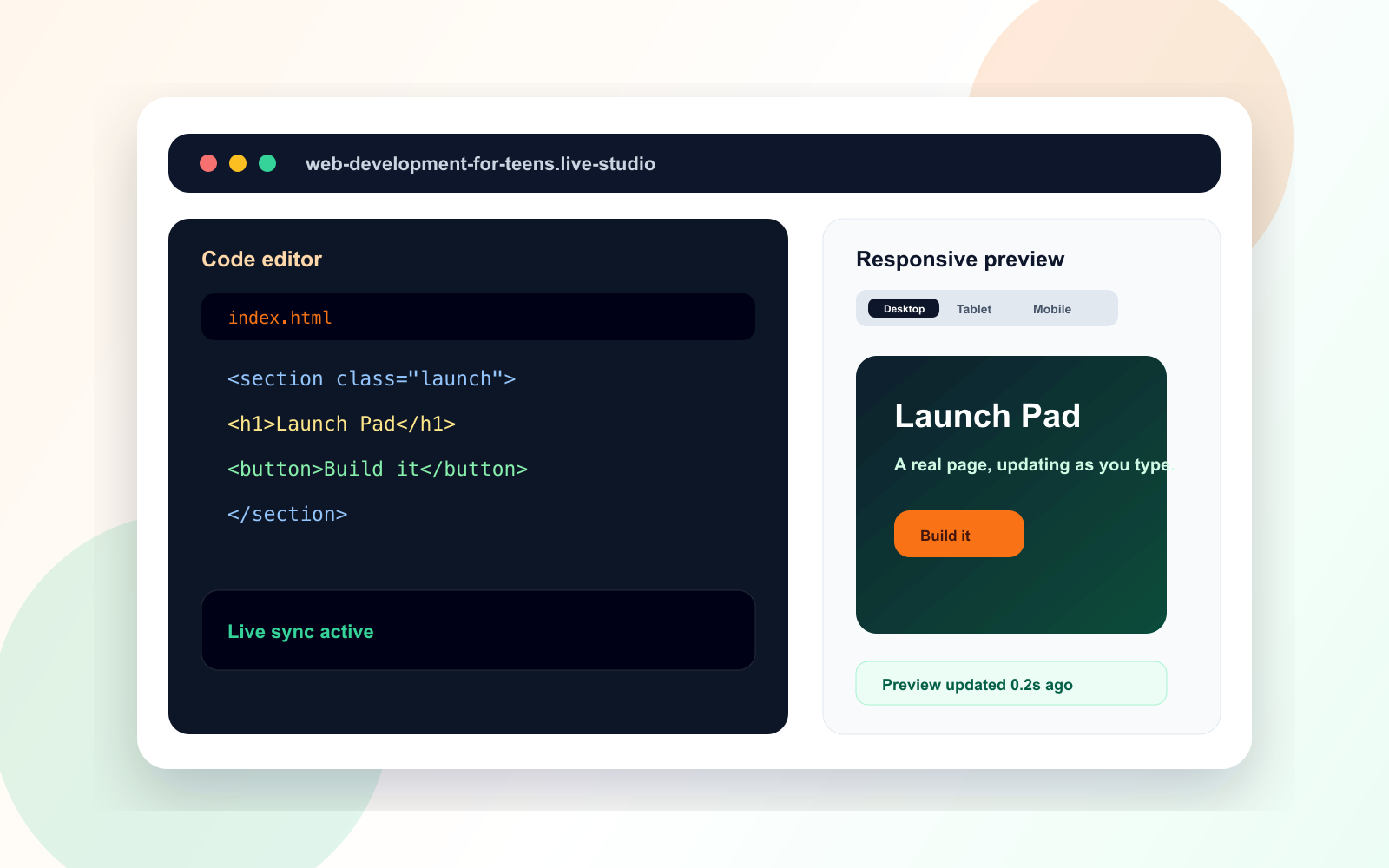
Lesson 1, Activity 3. Only available on a tablet or computer.
Your path, from first line to final project.
8 modules, and each one builds on the last.
Paint the sky, the sea, and the sand of a sunny beach.
You'll learn: colors, x and y, and your first variables
The skills you'll practice.
These are the names coders use, and you'll build something with each one.
Here's what you build by Module 5 (Fireworks Night).
Get a certificate when you finish.
It's a Certificate of Completion. Print it out and put it on your wall! It shows you built the whole thing yourself.
What students say.
so pretty
i made the sun purple
robot factory!!! i made 48 robots with like 4 lines
i made a poster for my room
its fireworks in random colors and every time i press run its diffrent. my dad printed one and its on my wall now
The randomness is my favorite bit. You write it once and it makes something new every single time. I ran my fireworks like 40 times to find the best one.
i love the ladybugs 🐞🐞🐞
I'm way more of an art person than a computer person and my aunt got me this because of that. It was a good way in. You still learn loops and lists and all that, you just see shapes instead of text. The city at night was my favorite. Every window decides by itself if its lit or dark, so the city looks different every time, and I kept running it just to look. I'm doing the regular Python one next and I dont think I would of tried it without this first.
Ready to start Paint with Python?
One plan covers all the courses plus ACT and SAT Prep. Nova, your AI mentor, and certificates are included.
From $179 a year, about $15/mo · 7-day free trial